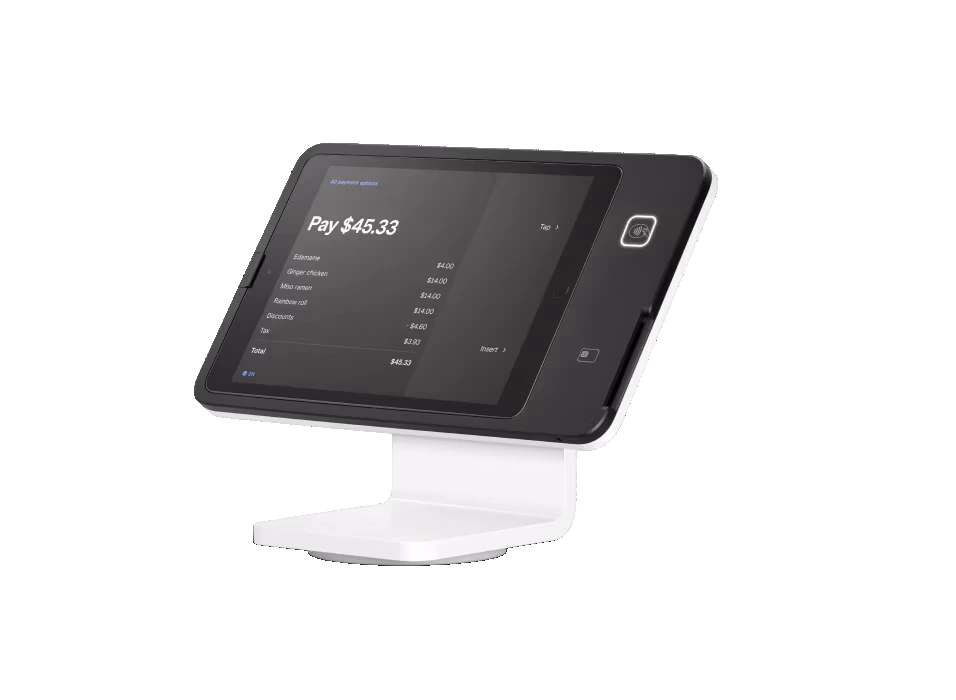
An iPad isn’t a payment system on its own — it becomes a register when you add POS software (like Square, talech, Lavu, or Aldelo) and a card reader. You get a familiar touchscreen, lower hardware cost, and software you can swap if needed.
A traditional all-in-one (like Clover or a dual-screen terminal) bundles purpose-built hardware and software together. It tends to be more rugged for heavy daily use, with tighter hardware-software integration and accessories (cash drawer, printer, KDS) designed to match.
Pros: lower cost, familiar interface, flexible software, easy to add stations. Cons: consumer hardware is less rugged, and you’re dependent on the tablet and its updates. Great for cafes, retail, services, and restaurants that want flexibility.
Pros: built for all-day commercial use, integrated accessories, strong support. Cons: a bit more up-front and less hardware flexibility. Great for busy restaurants and retailers who want a rock-solid, all-in-one station.
Lowering what you pay to accept a card frees up money every month with no extra work and no new customers.
If you want flexibility and lower cost, a tablet POS (Square Stand, talech, Lavu, Aldelo) is excellent. If you want a rugged, integrated workhorse, a traditional system like Clover is the move. Either way it’s provided at $0 up front on a zero-cost program.
Tell me how you operate and I’ll point you to the exact setup — provided and configured at $0 up front on a zero-cost program. Book a free review or compare devices side by side.
Usually the hardware is lower cost, but with a zero-cost program both tablet and traditional POS are provided at $0 up front; the difference is fit, not just price.
No — I provide the tablet, stand, reader, and software, set up for you.
That’s one of the advantages — tablet POS software is more swappable than a fully proprietary system.
Lowering what you pay to accept a card frees up money every month with no extra work and no new customers. The businesses that grow from there spend it on the three things that actually bring customers in: answering every call, a site that converts, and showing up on Google.
Free, no-obligation review — I’ll recommend the right equipment and show how your processing savings can cover it.
Prefer to talk now? Call or text (305) 215-6132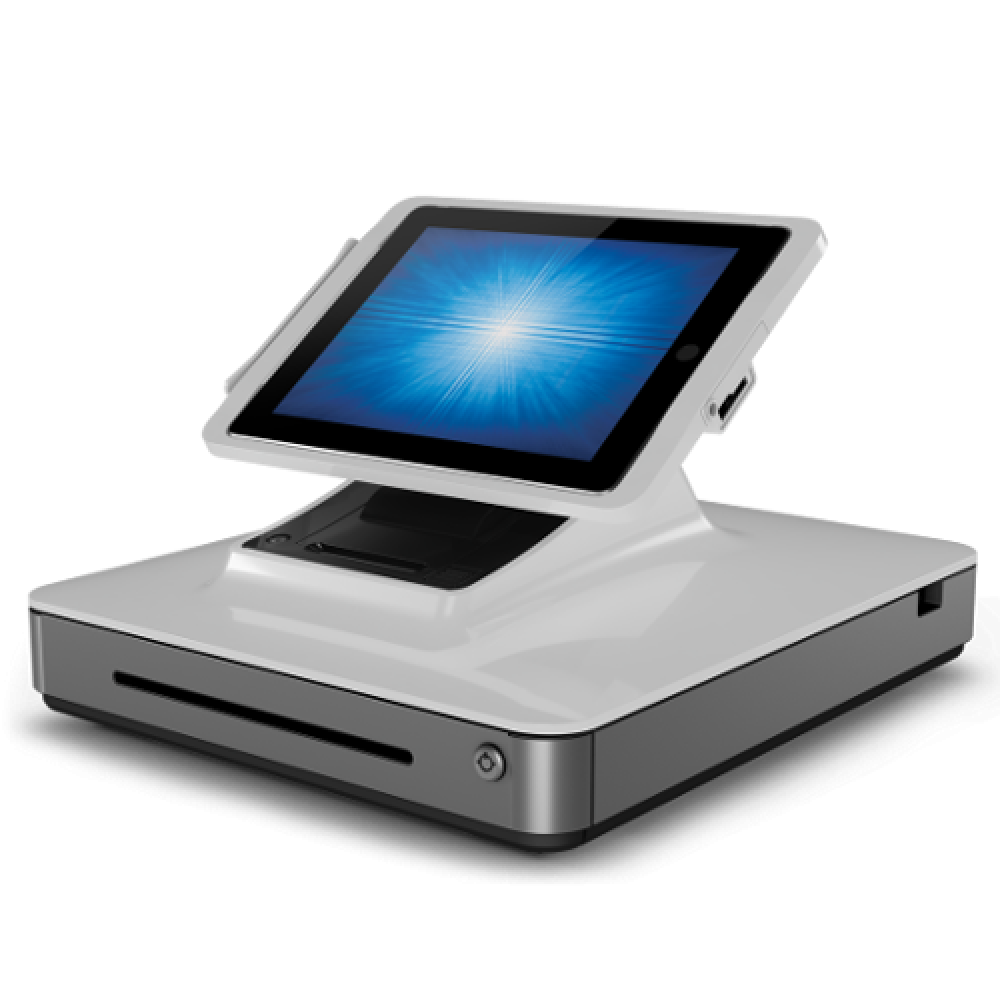 talech POS
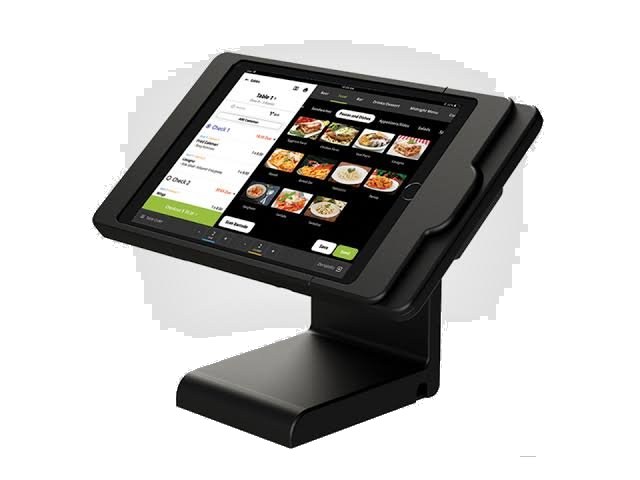 Lavu POS
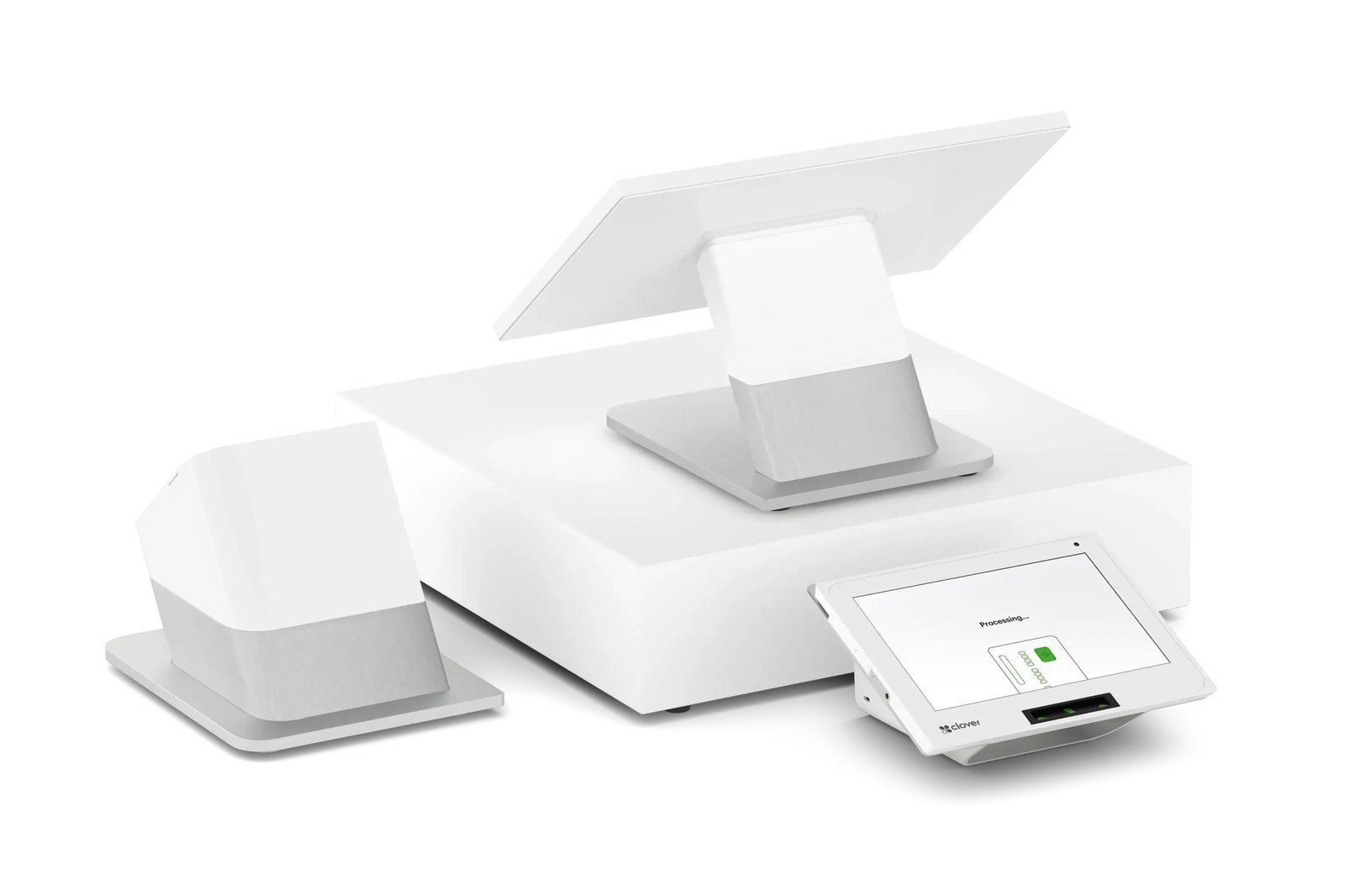 Clover Station Duo