CallBook 15 min

Home / Resources / Brand guide

Brand guide

Square POS & terminals: the complete guide

Everything a local business owner needs to know about Square — the easiest all-in-one POS to start with — and how to get it set up at $0 to start.

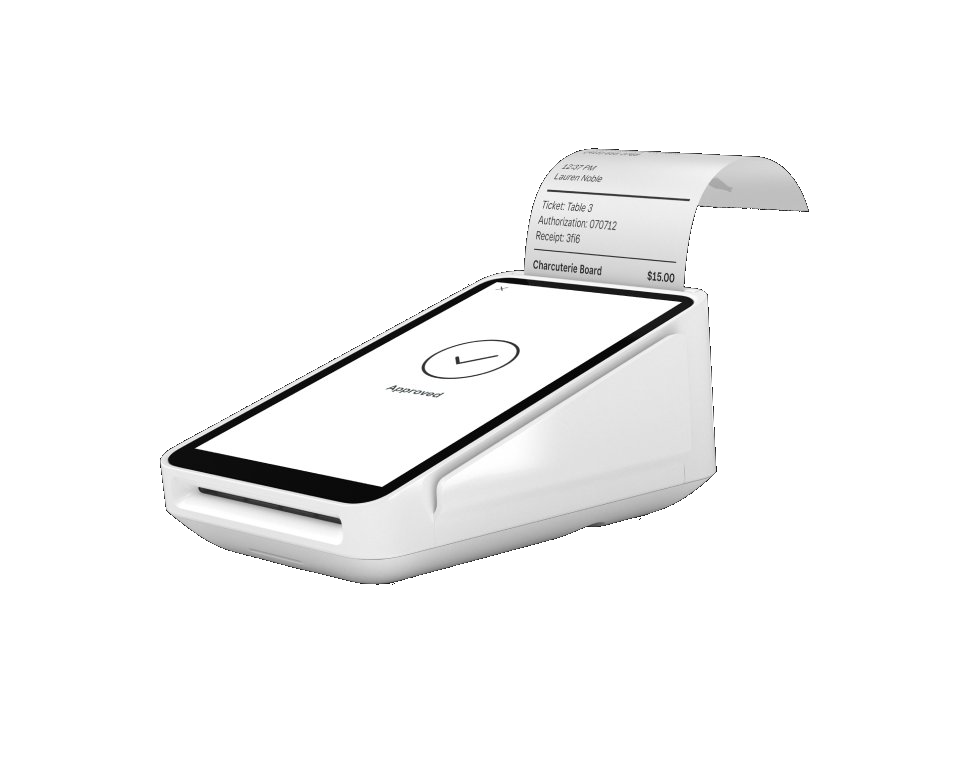
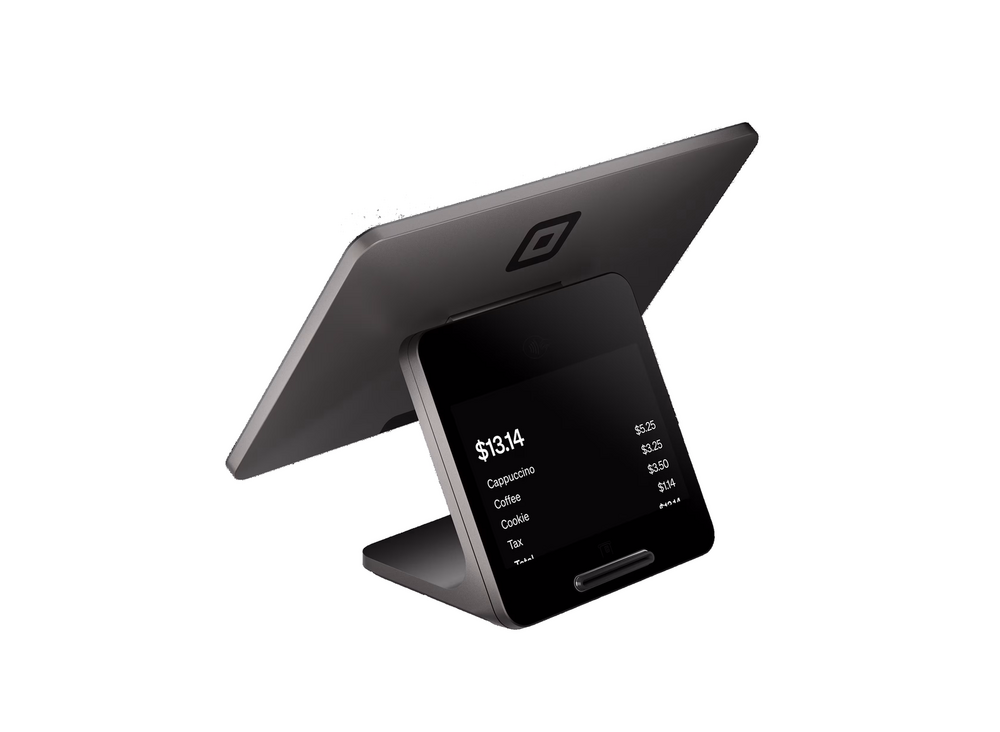
Square Register

What is Square?

Square is famous for simple, beautiful hardware and a free POS app that just works. From a pocket reader to a dual-screen Register, everything syncs in one ecosystem with no surprises.

Who it’s best for

Square is best for newer businesses, cafes, retail, and anyone who wants a clean, easy setup. Whatever you choose, I provide and set it up at $0 up front on a zero-cost processing program — with training and 24/7 US-based support.

The Square lineup I provide

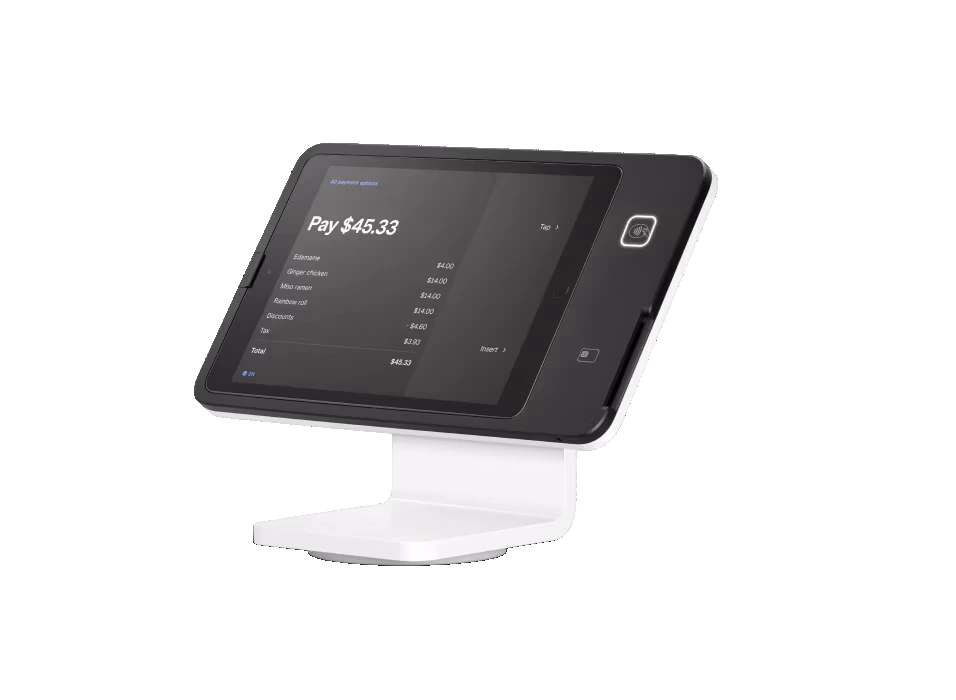
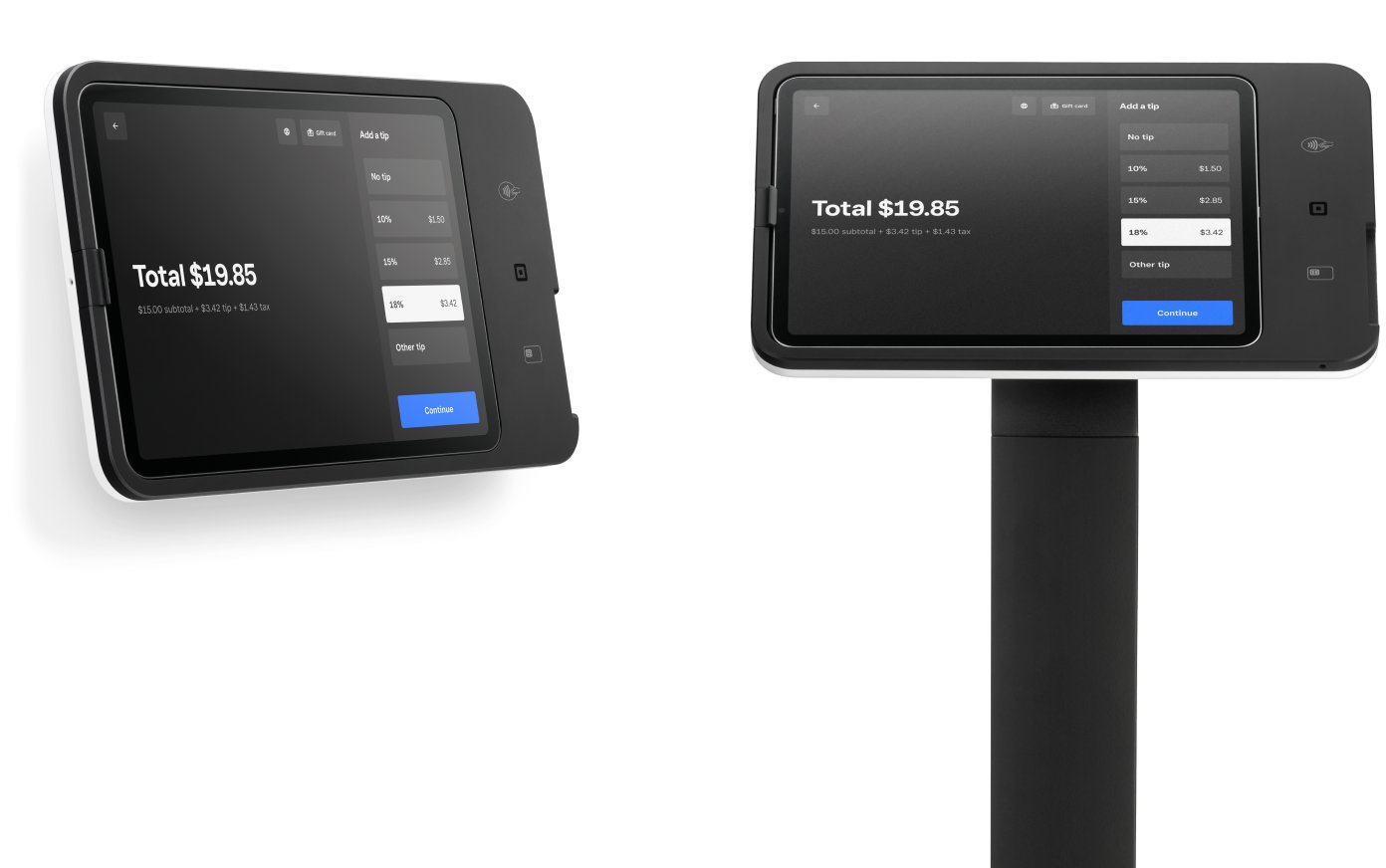
  • Square Register — A fully integrated dual-screen register built for speed, reliability, and a clean customer experience.
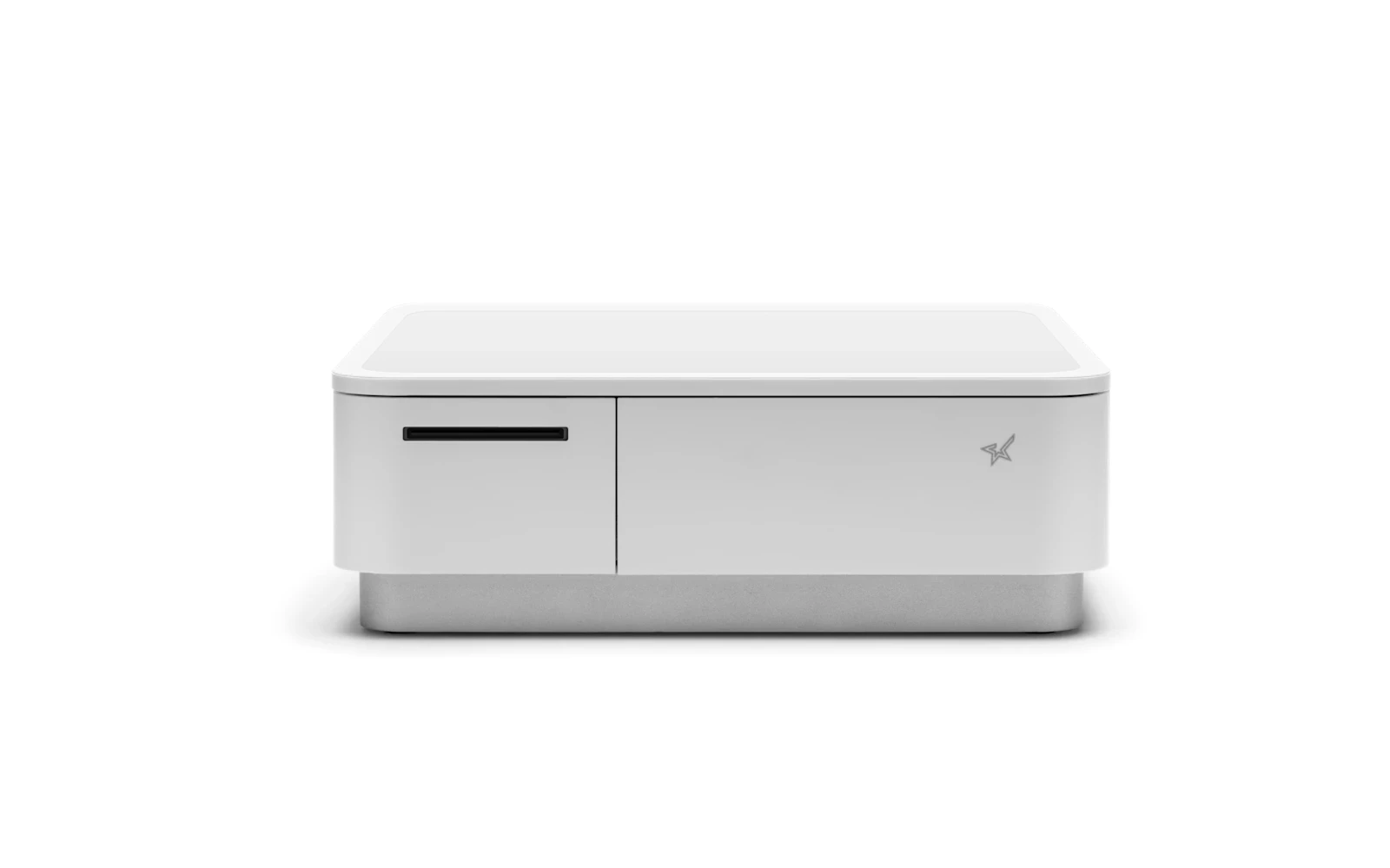
  • Square Terminal — A portable all-in-one terminal with a built-in receipt printer — take payments anywhere the sale happens.
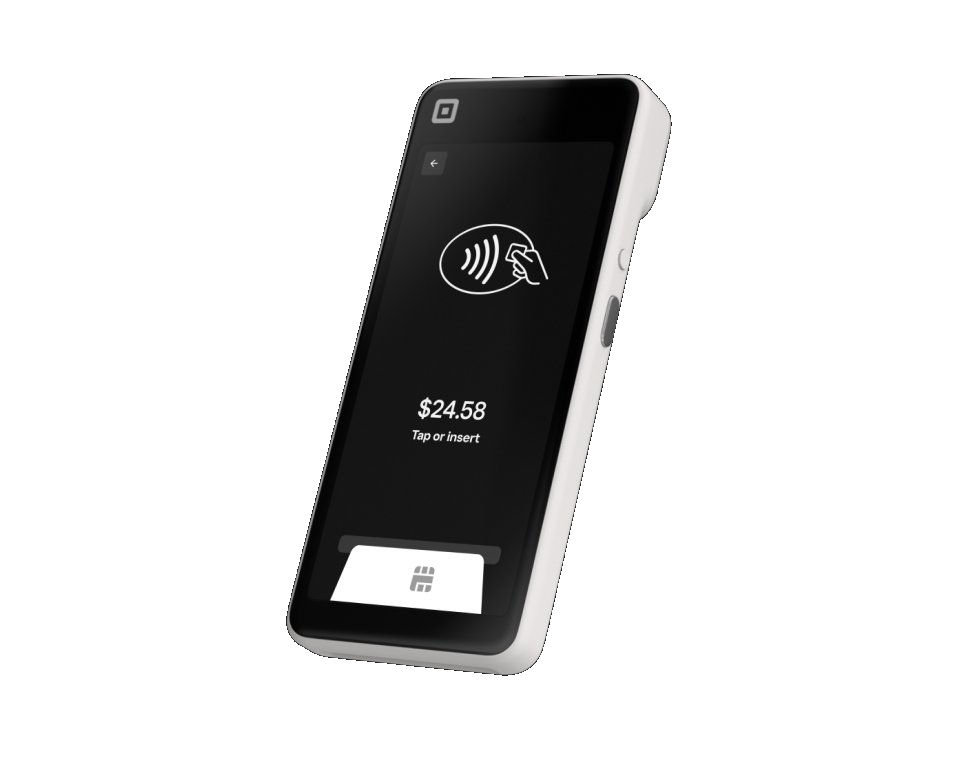
  • Square Handheld — A pocket-sized handheld with a 6.2″ screen, built-in barcode scanner, and built-in tap to pay — take orders and payments anywhere.
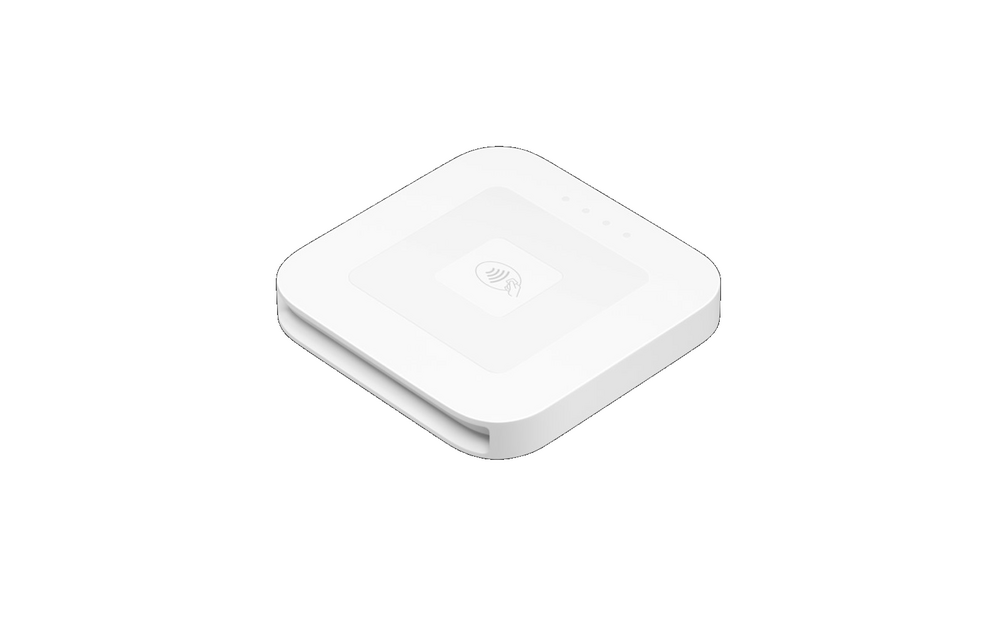
  • Square Reader (contactless) — A pocket-sized wireless reader for tap and chip payments, paired with your phone or tablet.
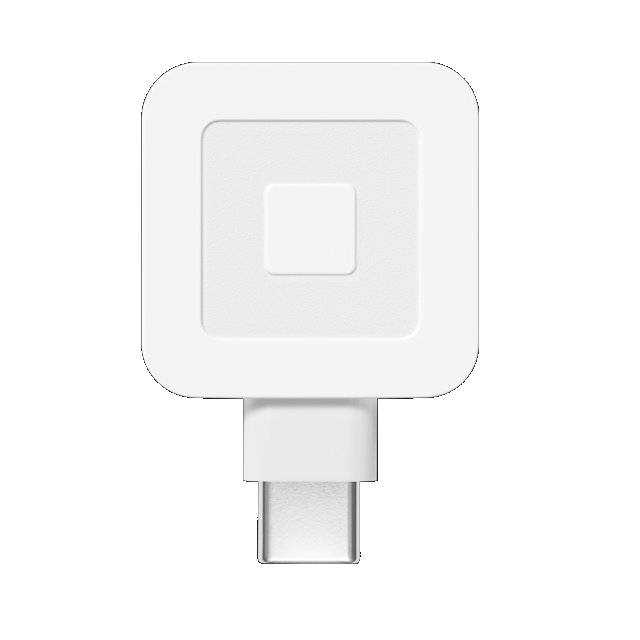
  • Square Reader (USB-C) — The simplest way to start taking cards — a compact reader that plugs right into your device.
  • Square Stand — Turns an iPad into a sleek countertop register with a built-in card reader.
  • Square Kiosk — Self-ordering that works while you do — lift average ticket and shorten lines.
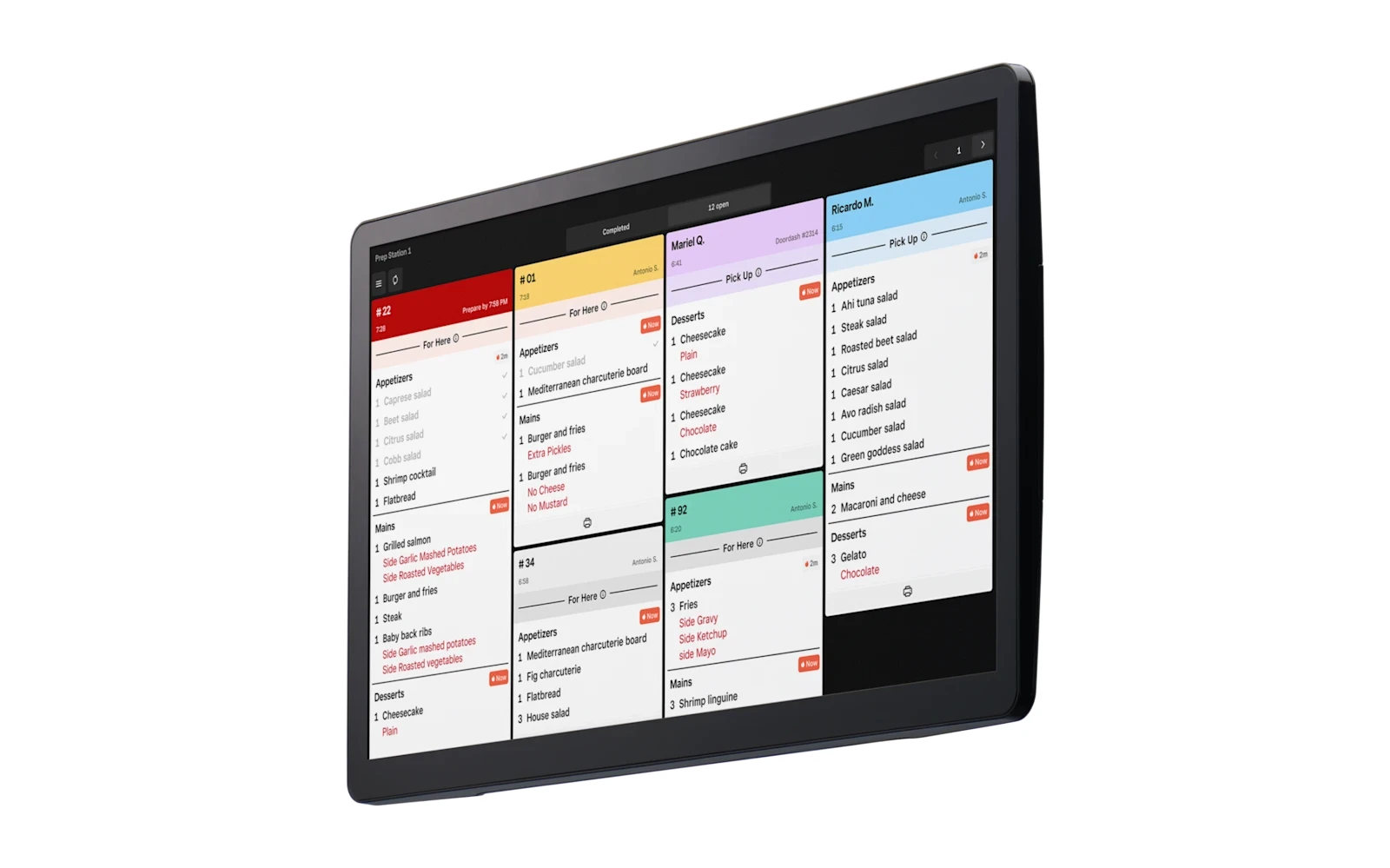
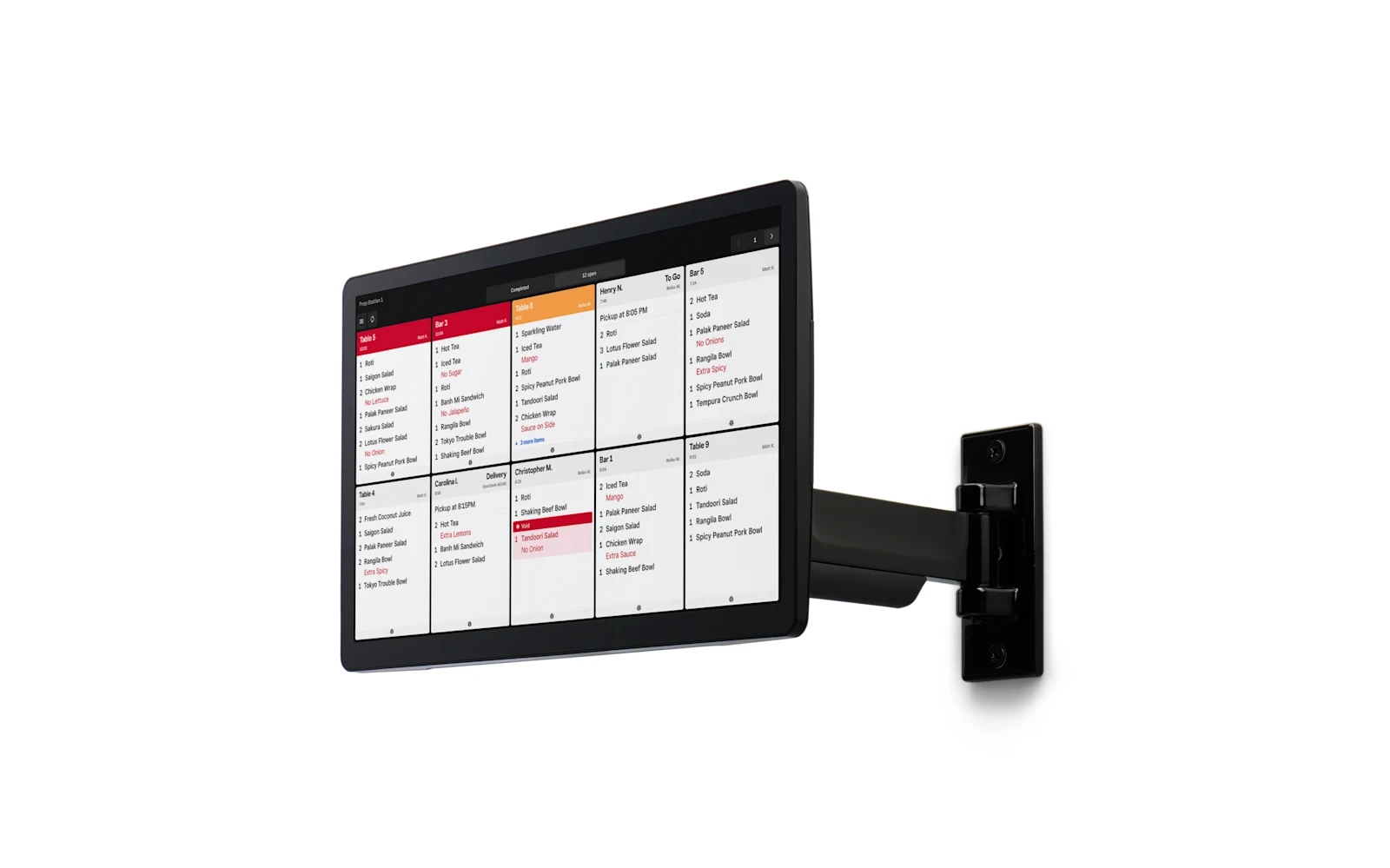
  • Square Kitchen Display System — Route orders straight to the kitchen on a digital screen — available in 8.7″, 15.6″, and 21.5″ to fit your line.
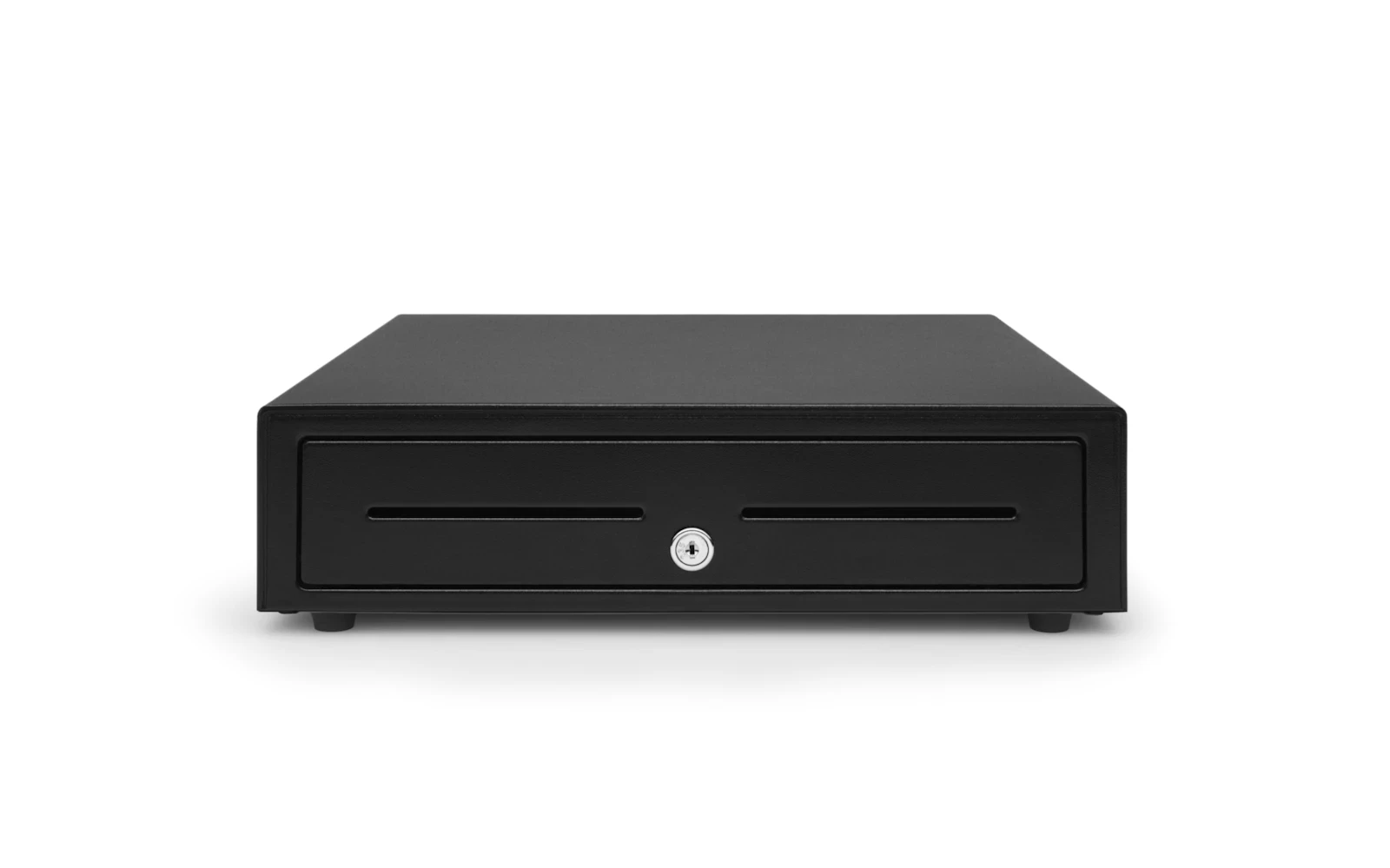
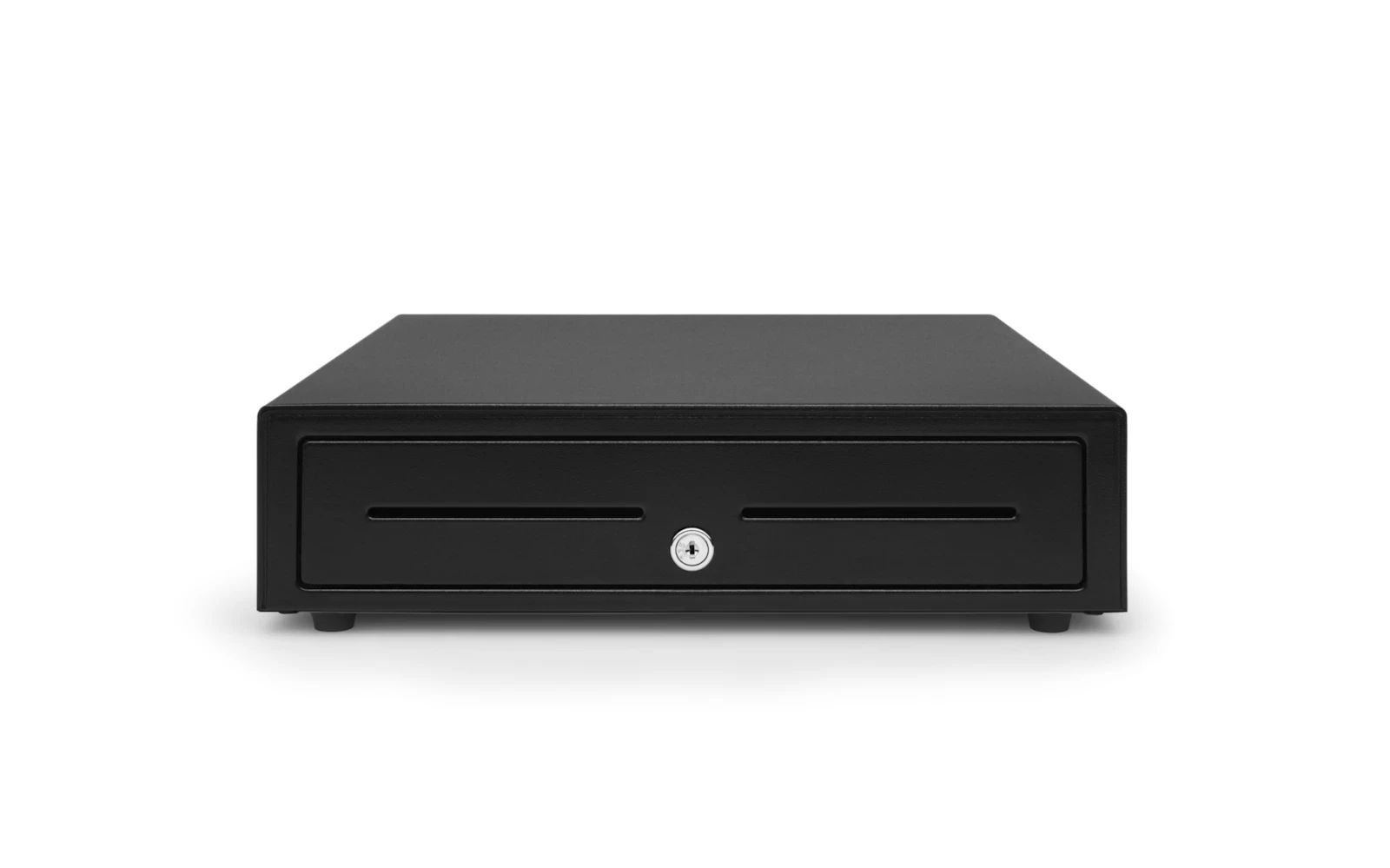
  • Square Cash Drawer (14×16) — A compact 14″×16″ printer-driven cash drawer that pops open automatically on every cash sale.
  • Square Cash Drawer (16×17, USB) — A full-size 16″×17″ cash drawer with both USB and printer-driven connection and extra room for busy counters.
  • Receipt Printer & Cash Drawer Combo — The complete cash-handling bundle — a thermal receipt printer paired with a cash drawer that pops open on every cash sale.
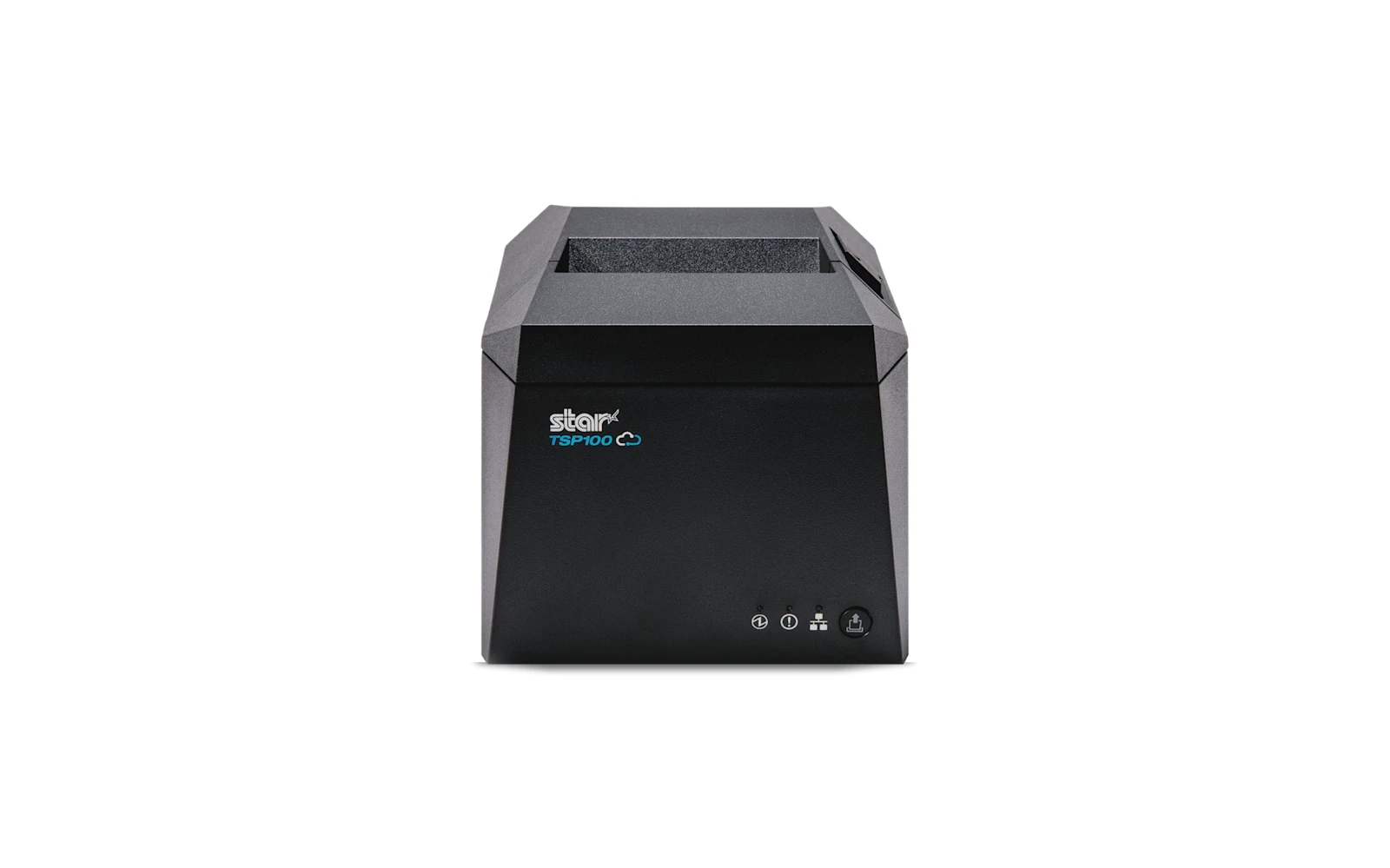
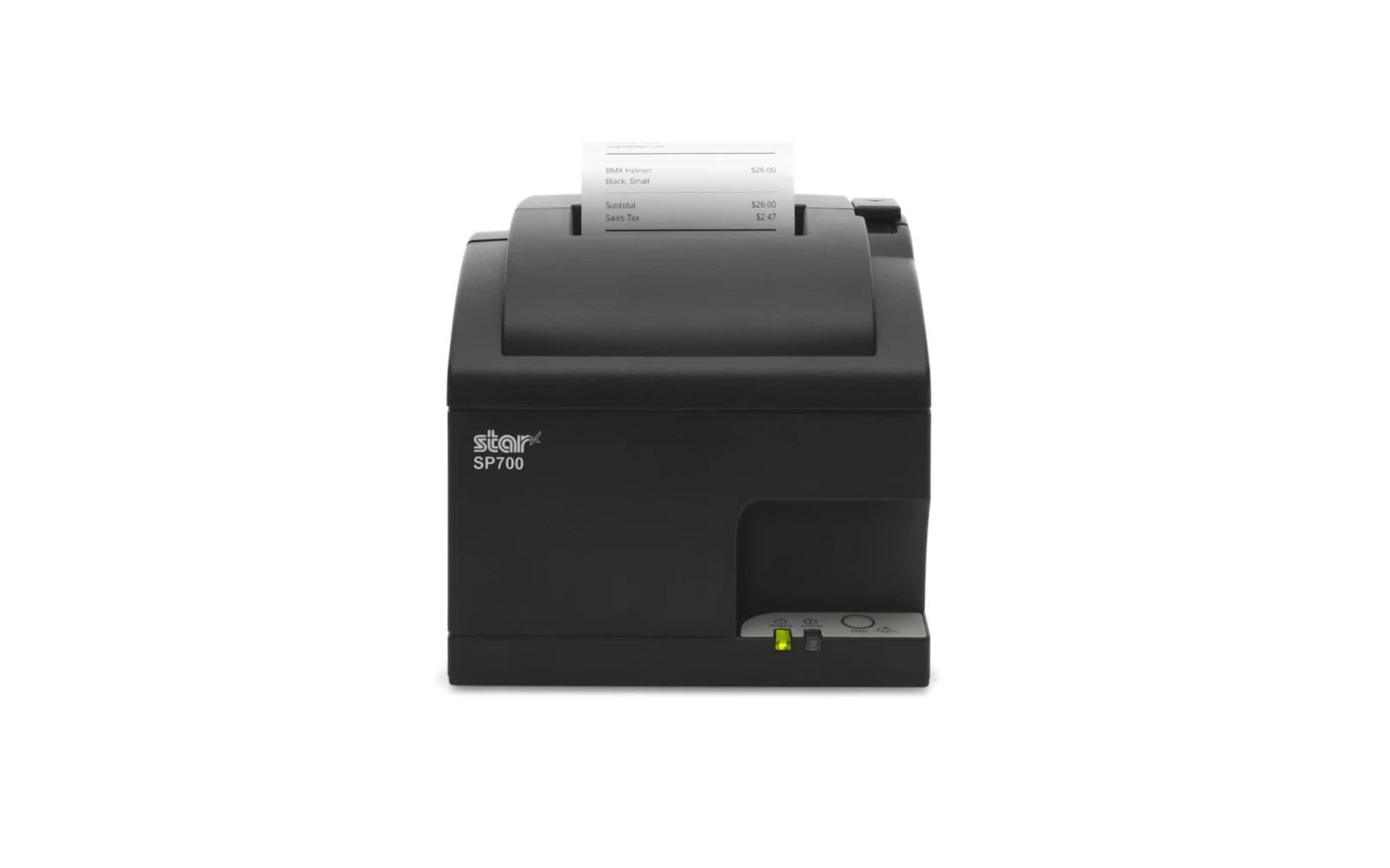
  • Receipt Printer — A fast thermal receipt printer for the counter — crisp receipts and order tickets, every time.
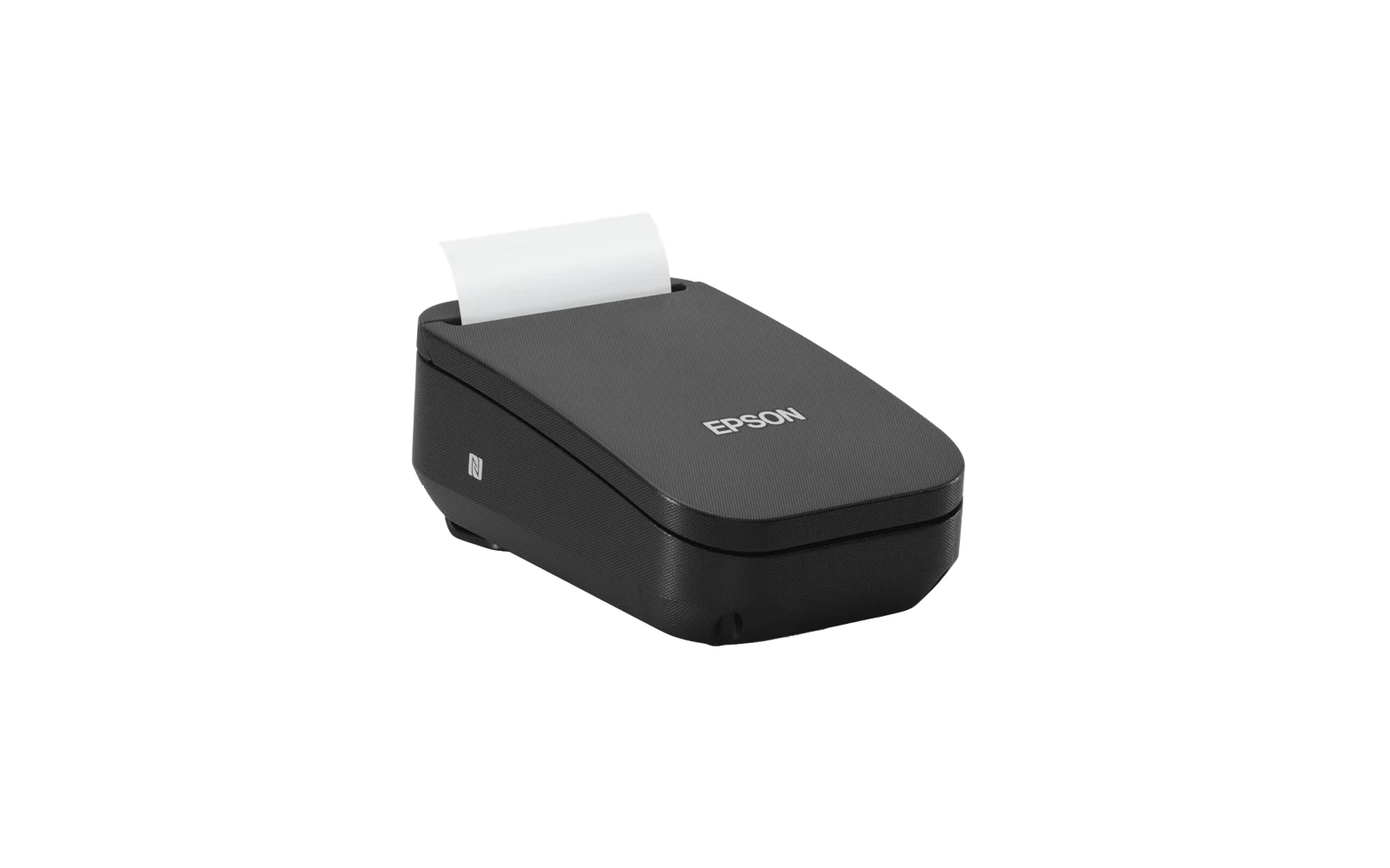
  • Portable Receipt Printer — A compact, battery-powered printer that goes where you do — print receipts tableside, curbside, or in the field.
  • Kitchen Impact Printer — A heat-resistant impact printer built for the kitchen and bar — tickets stay readable where thermal fades.
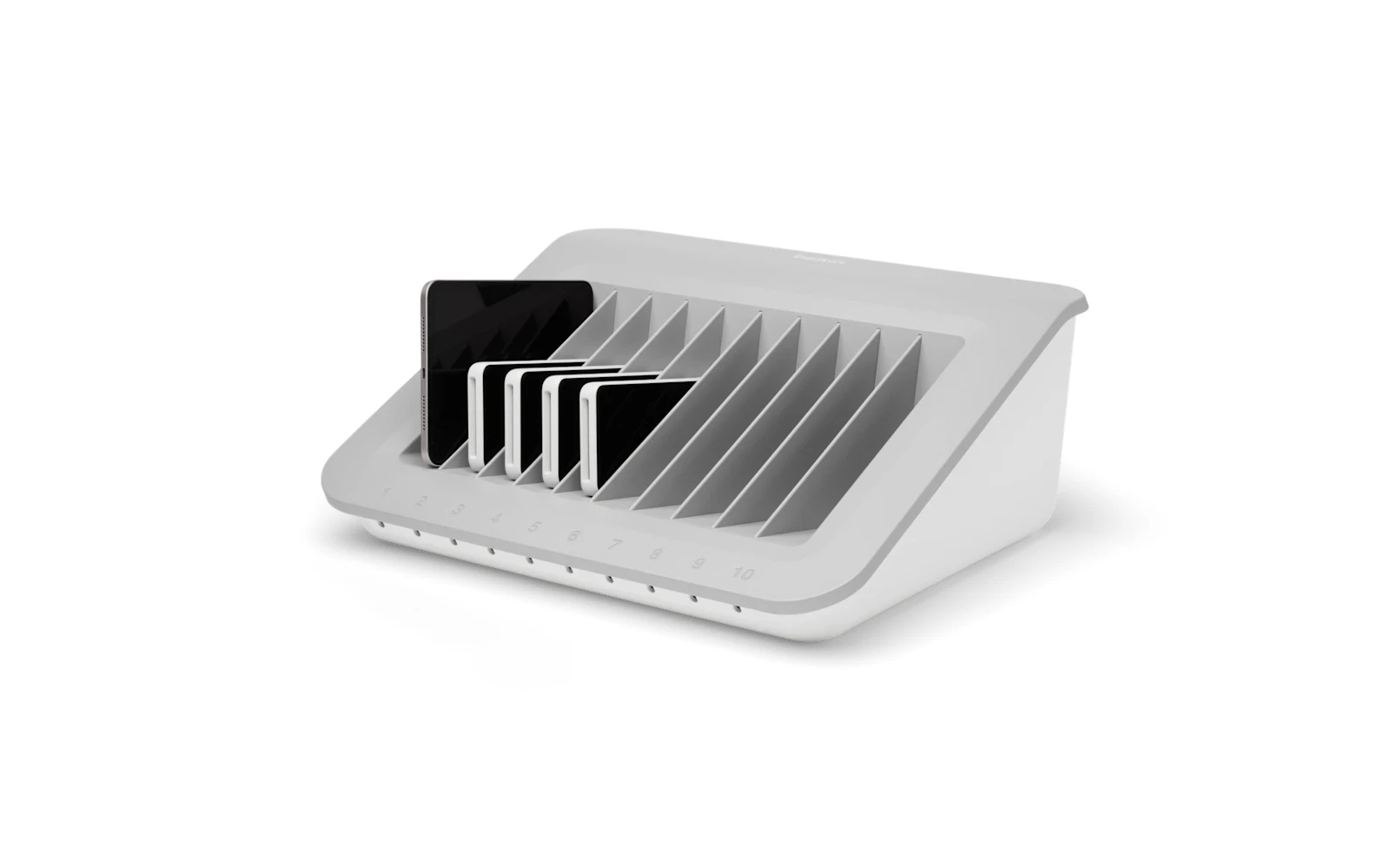
  • Store-and-Charge Station — Charge and store up to ten handhelds, tablets, or readers in one tidy dock.
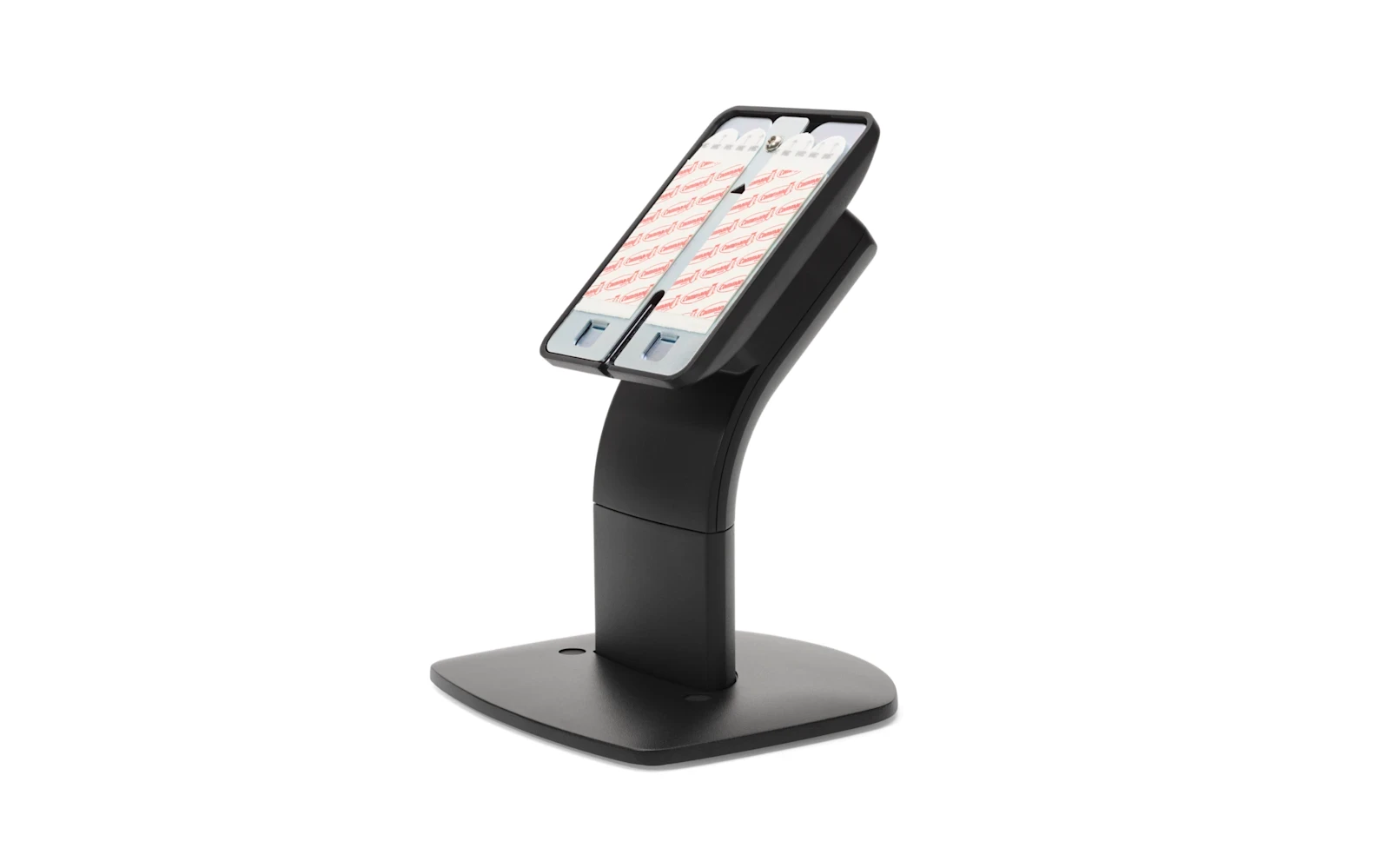
  • Countertop Customer-Display Mount — A sturdy, tilt-and-swivel countertop mount that holds your terminal or customer display at the perfect angle.
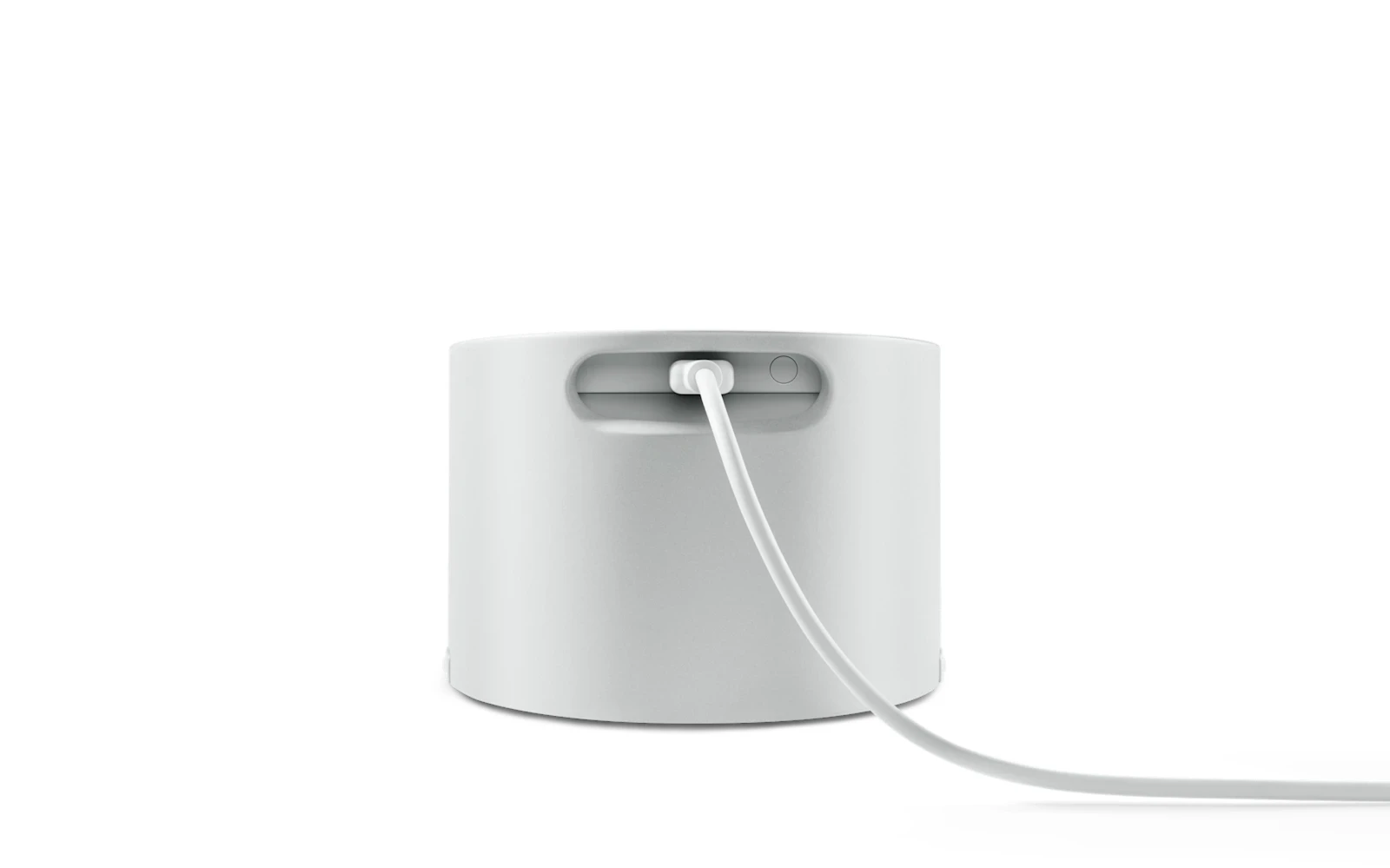
  • Square Reader Dock — A weighted countertop dock that keeps your Square Reader charged, upright, and right where customers expect it.
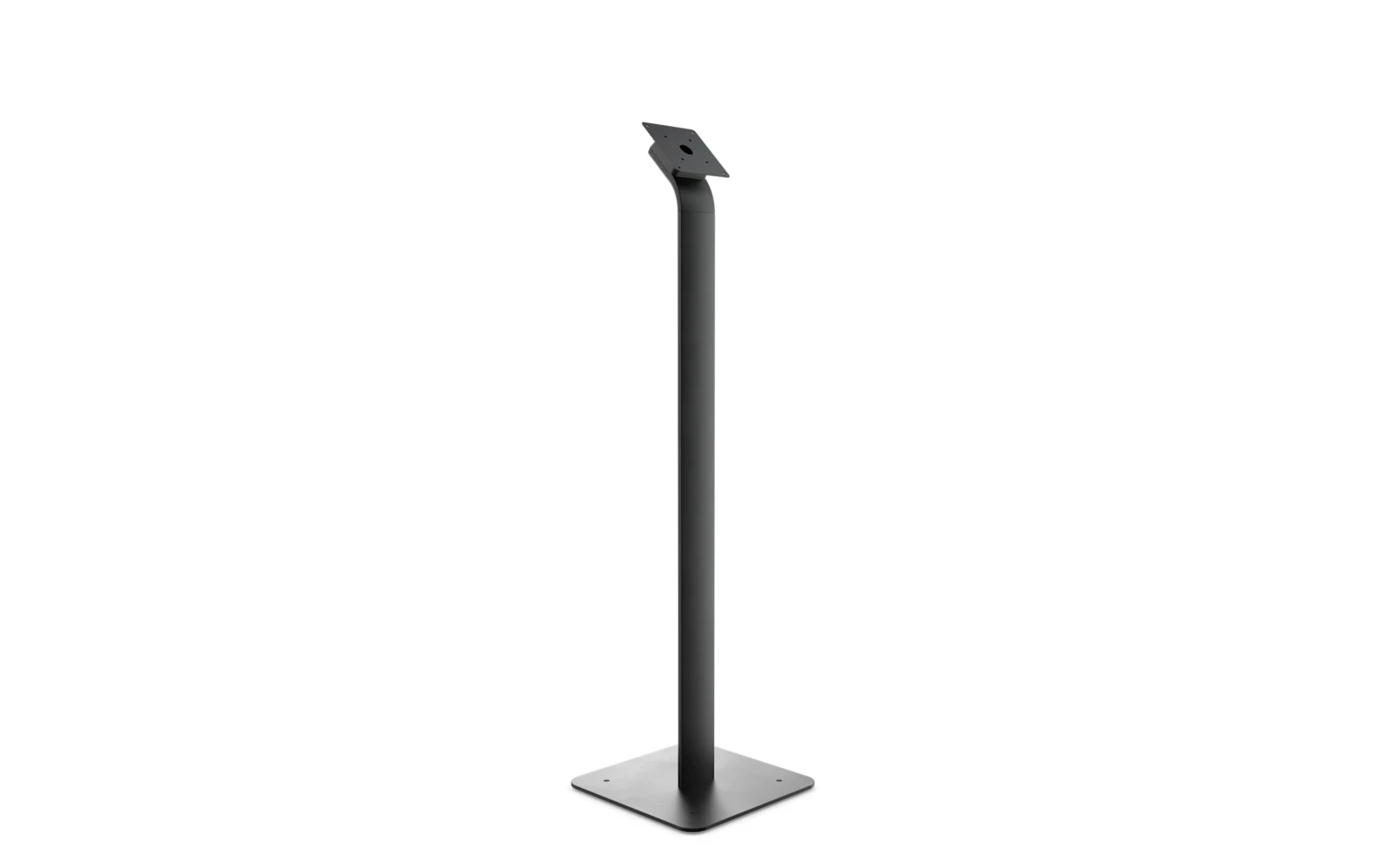
  • Kiosk Floor Stand — A free-standing floor mount for a self-ordering kiosk or customer display — put ordering where the line forms.
  • Kiosk / KDS Wall Mount — Mount a kitchen display or self-order screen flush to the wall — space-saving, low-profile, and tidy.
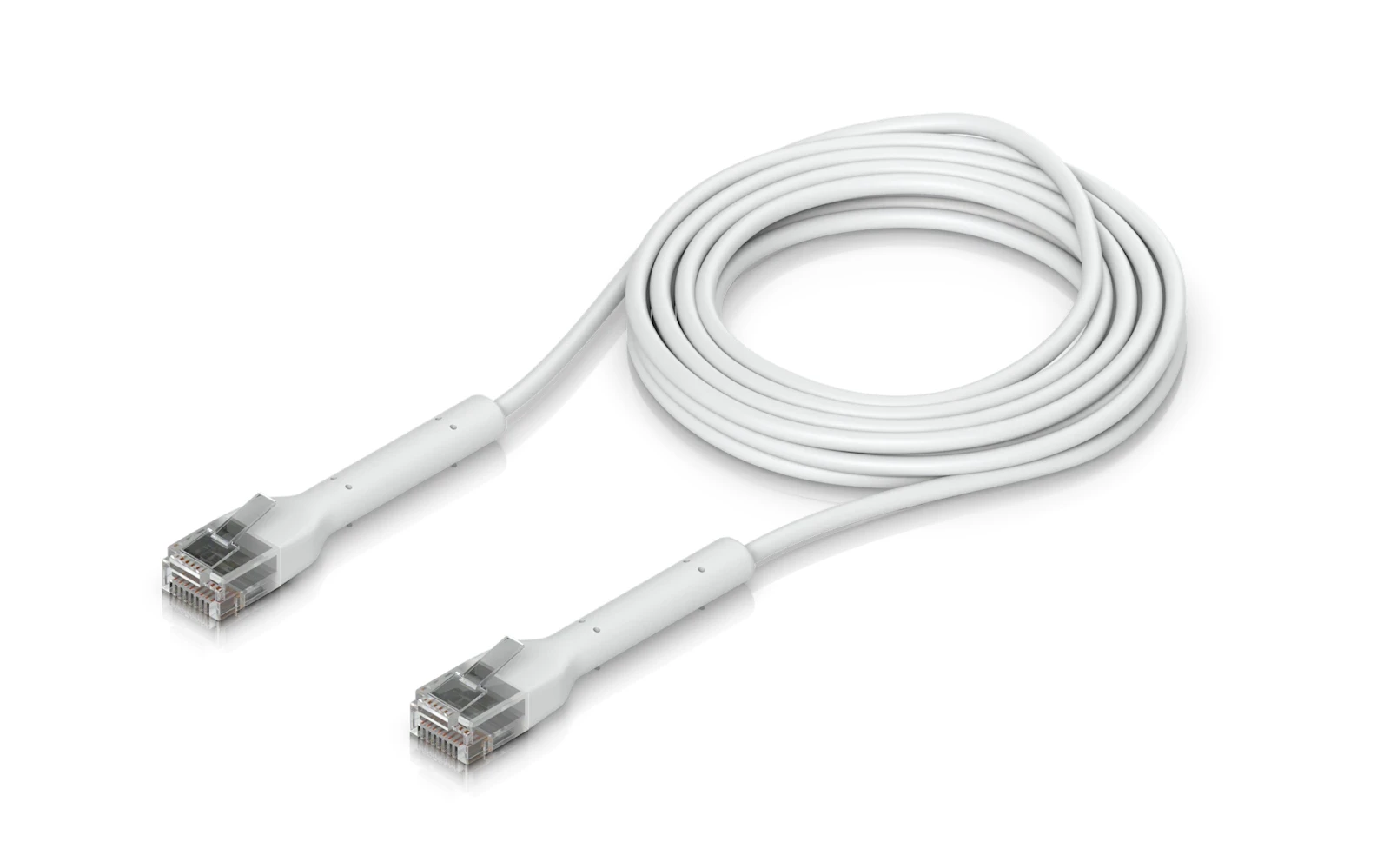
  • Networking Kit — The wired networking gear to keep a multi-device setup rock-solid during a rush.
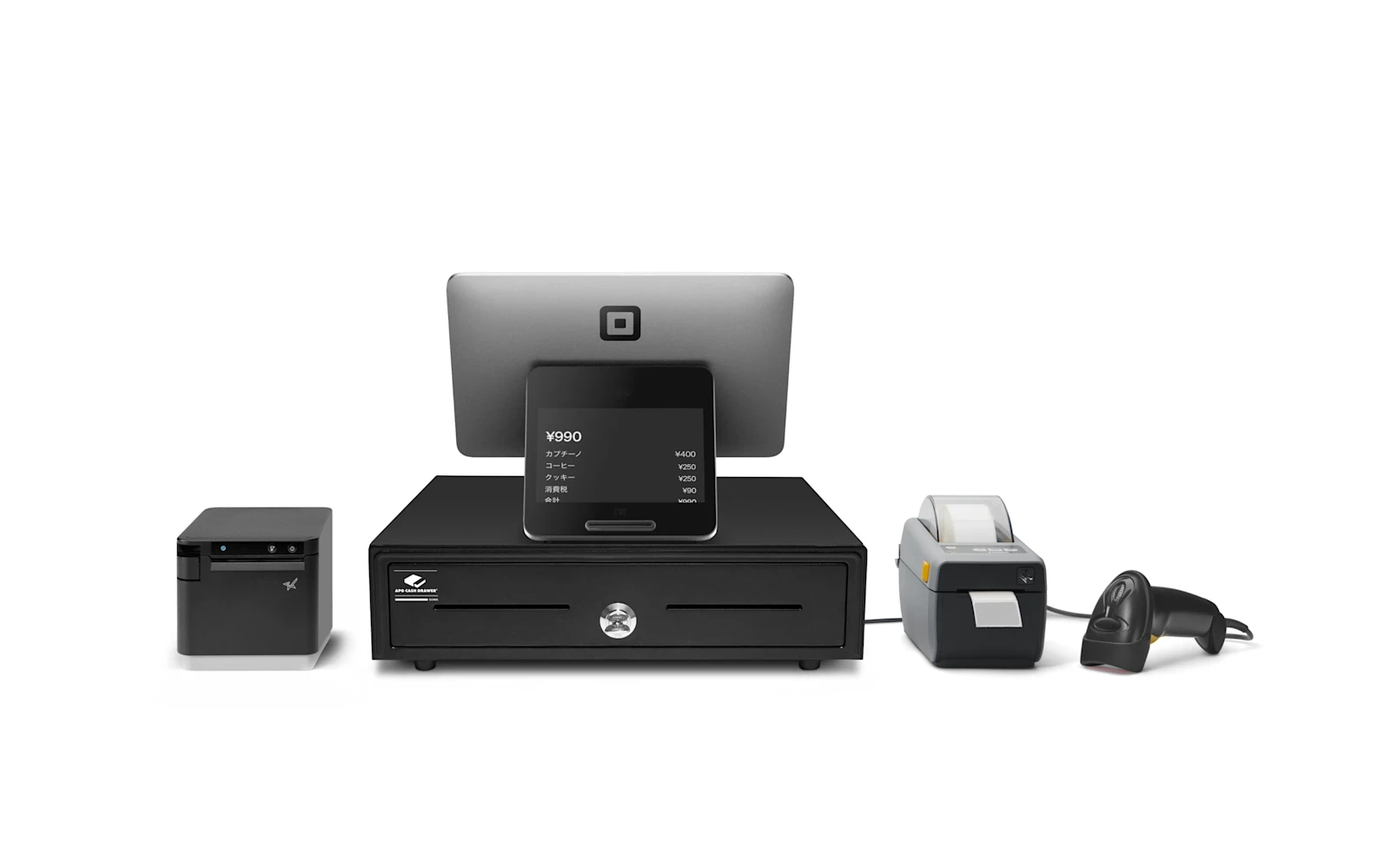
  • Square Register Retail Kit — A complete checkout counter — Square Register paired with a cash drawer, receipt printer, label printer, and barcode scanner.
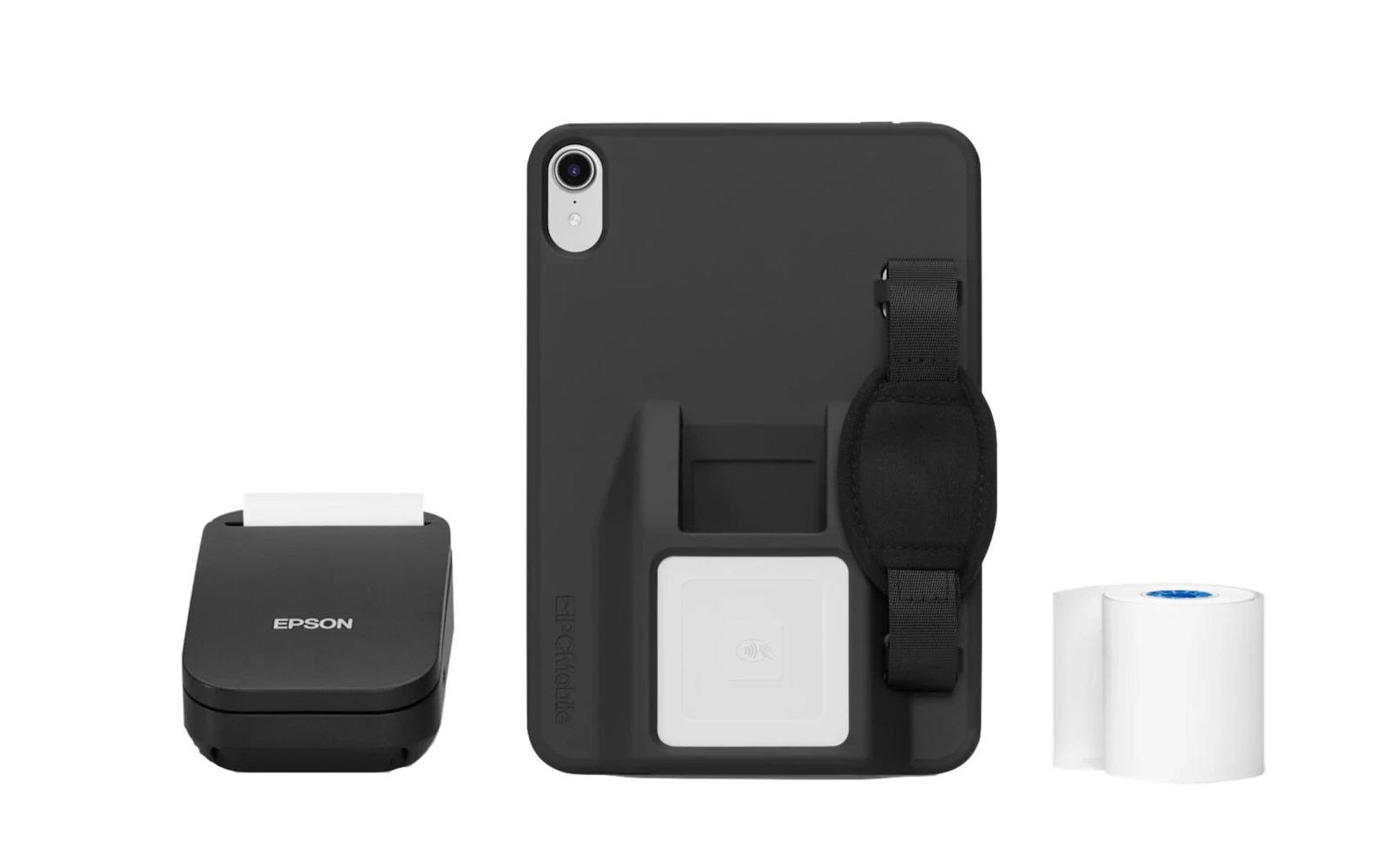
  • Square Mobile POS Kit — A grab-and-go handheld kit — rugged case with hand strap, a Square Reader, and a portable receipt printer.
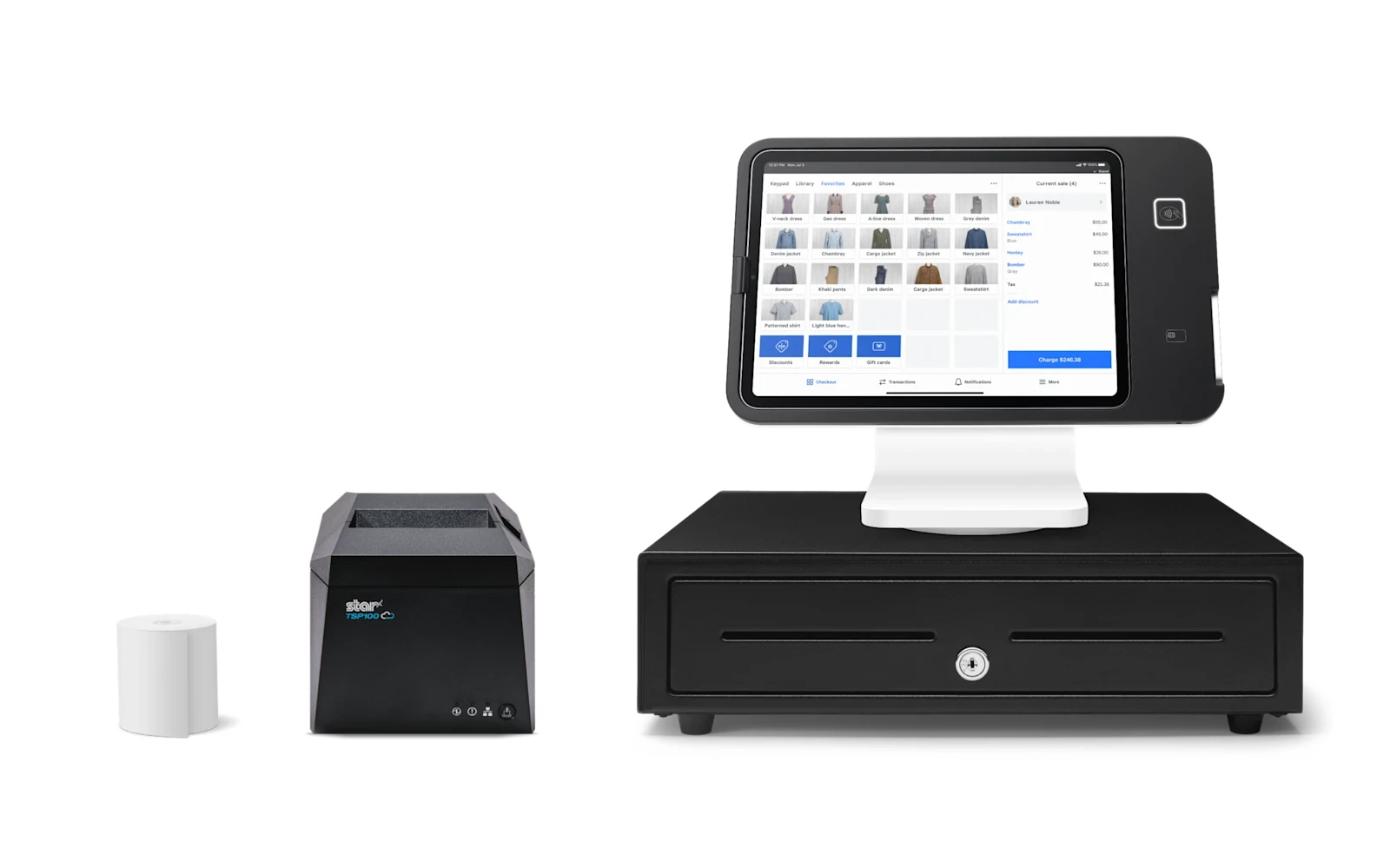
  • Square Stand Retail Kit — The Square Stand built into a complete retail counter — iPad stand with reader, receipt printer, and cash drawer.
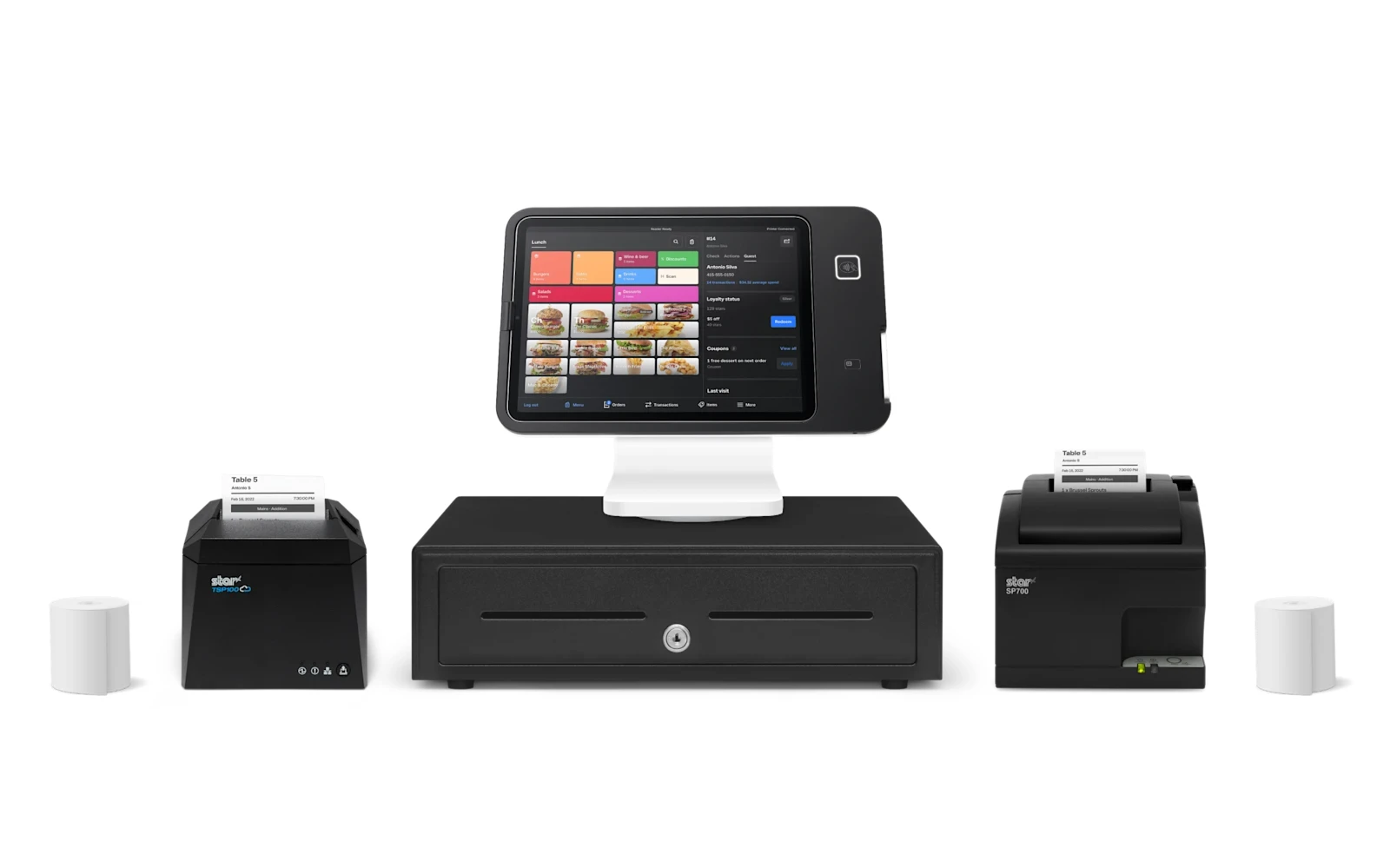
  • Square Stand Restaurant Kit — A restaurant-ready Square Stand setup — iPad stand with reader, a front receipt printer, a kitchen printer, and a cash drawer.
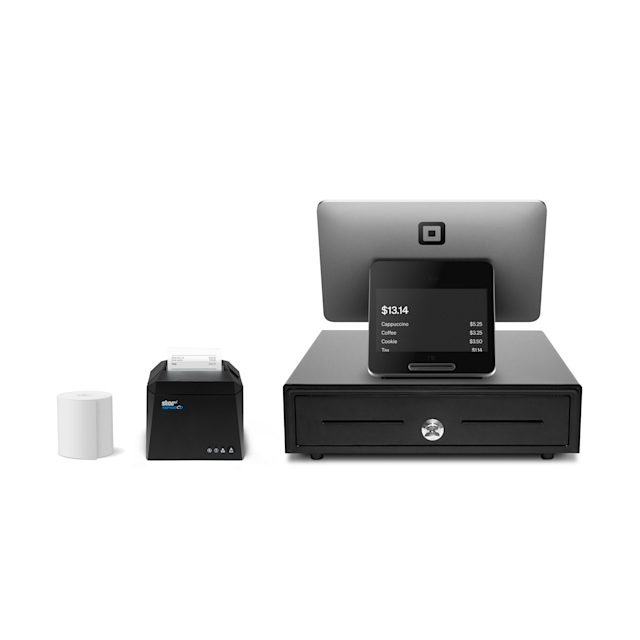
  • Square Register Kit — The dual-screen Square Register paired with a receipt printer and a cash drawer — a clean, complete countertop register.
What the savings fund

Cutting your card fees is step one. Here is what the savings fund.

Lowering what you pay to accept a card frees up money every month with no extra work and no new customers.

How it fits zero-cost processing

I set up your Square hardware on a compliant dual-pricing or surcharge program, so your card fees stop eating your margin. The equipment carries simple monthly terms confirmed on your free review — and your processing savings can help cover it.

Related guides

Want a straight recommendation?

Tell me how you operate and I’ll point you to the exact setup — provided and configured at $0 up front on a zero-cost program. Book a free review or compare devices side by side.

Questions

Frequently asked

Is Square good for a small business?

Yes — Square is the easiest all-in-one POS to start with. I’ll match the exact model to how you operate.

How much does Square hardware cost?

There’s no up-front equipment cost to get started; the hardware carries simple monthly terms confirmed on your free review, and your processing savings can help cover it.

Can I run dual-pricing on Square?

Yes — I set up Square on a compliant dual-pricing or surcharge program as part of zero-cost processing.

What if I’m switching from another system?

I transfer your menu, items, and settings to your new Square equipment for free, so nothing is lost in the switch.

What the savings fund

Cutting your card fees is step one. Here is what the savings fund.

Lowering what you pay to accept a card frees up money every month with no extra work and no new customers. The businesses that grow from there spend it on the three things that actually bring customers in: answering every call, a site that converts, and showing up on Google.

Let’s find your fit.

Free, no-obligation review — I’ll recommend the right equipment and show how your processing savings can cover it.

Prefer to talk now? Call or text (305) 215-6132