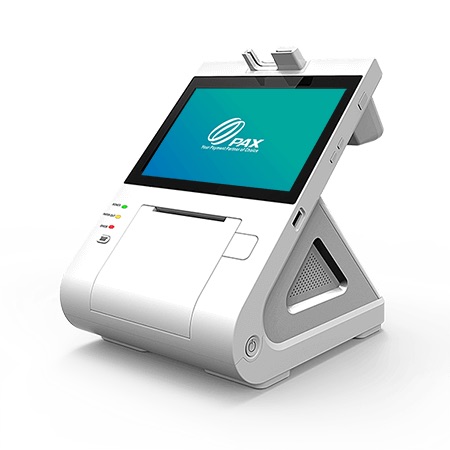
PAX builds a broad, dependable range — from the industry-favorite A920 handheld to dual-screen countertop POS systems and self-ordering kiosks — flexible enough for almost any business.
PAX is best for businesses that want proven, flexible hardware across countertop, mobile, and kiosk. Whatever you choose, I provide and set it up at $0 up front on a zero-cost processing program — with training and 24/7 US-based support.
Lowering what you pay to accept a card frees up money every month with no extra work and no new customers.
I set up your PAX hardware on a compliant dual-pricing or surcharge program, so your card fees stop eating your margin. The equipment carries simple monthly terms confirmed on your free review — and your processing savings can help cover it.
Tell me how you operate and I’ll point you to the exact setup — provided and configured at $0 up front on a zero-cost program. Book a free review or compare devices side by side.
Yes — PAX is versatile payment hardware for any counter or pocket. I’ll match the exact model to how you operate.
There’s no up-front equipment cost to get started; the hardware carries simple monthly terms confirmed on your free review, and your processing savings can help cover it.
Yes — I set up PAX on a compliant dual-pricing or surcharge program as part of zero-cost processing.
I transfer your menu, items, and settings to your new PAX equipment for free, so nothing is lost in the switch.
Lowering what you pay to accept a card frees up money every month with no extra work and no new customers. The businesses that grow from there spend it on the three things that actually bring customers in: answering every call, a site that converts, and showing up on Google.
Free, no-obligation review — I’ll recommend the right equipment and show how your processing savings can cover it.
Prefer to talk now? Call or text (305) 215-6132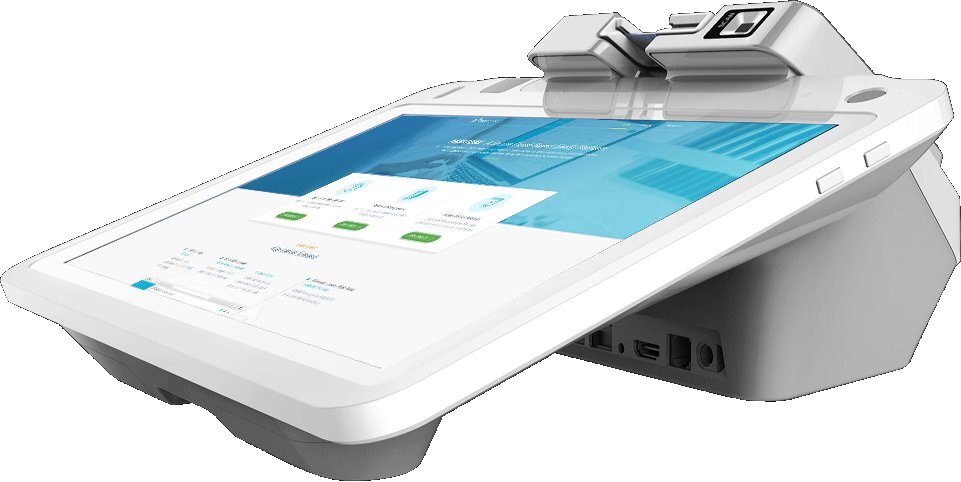 PAX E700
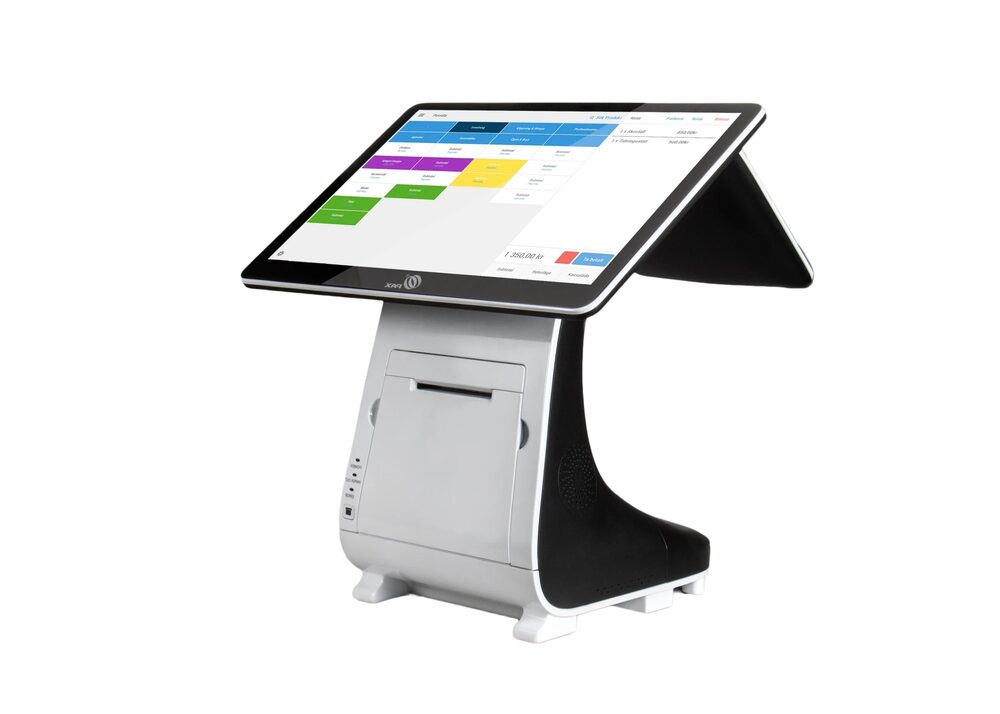 PAX E800
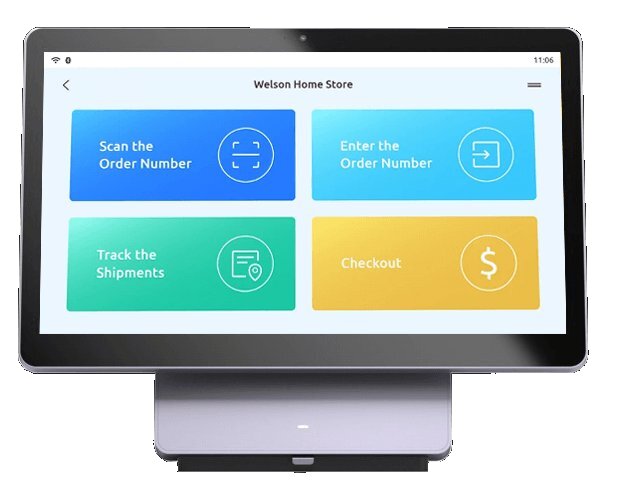 PAX Elys Station 14
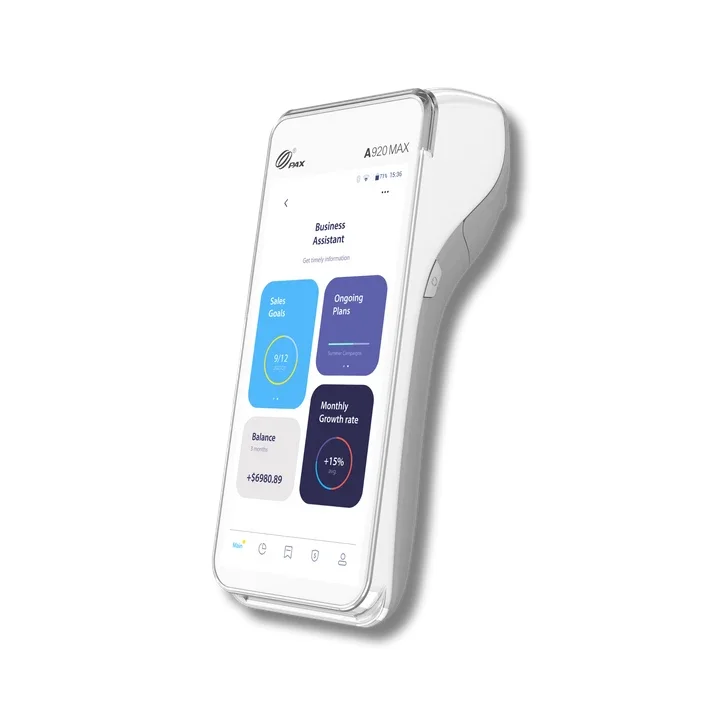 PAX A920
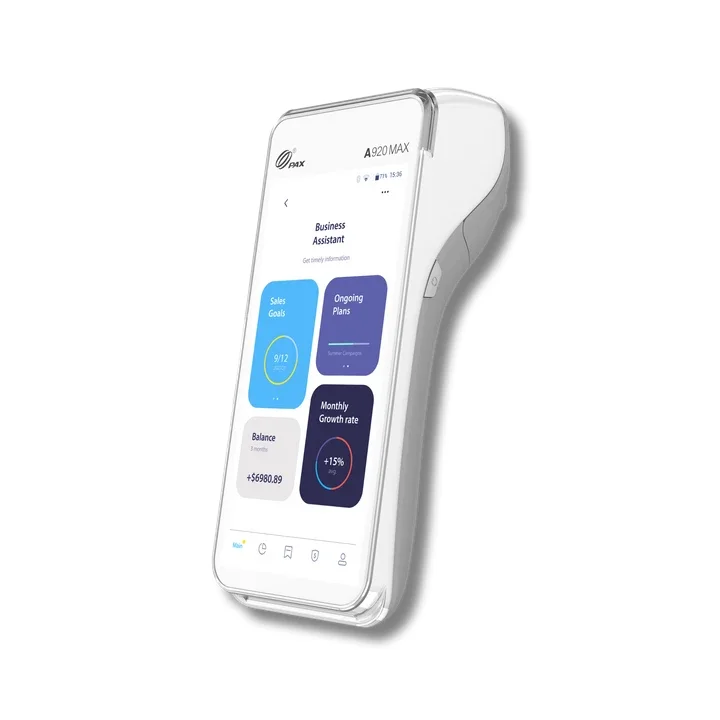 PAX A920 Pro