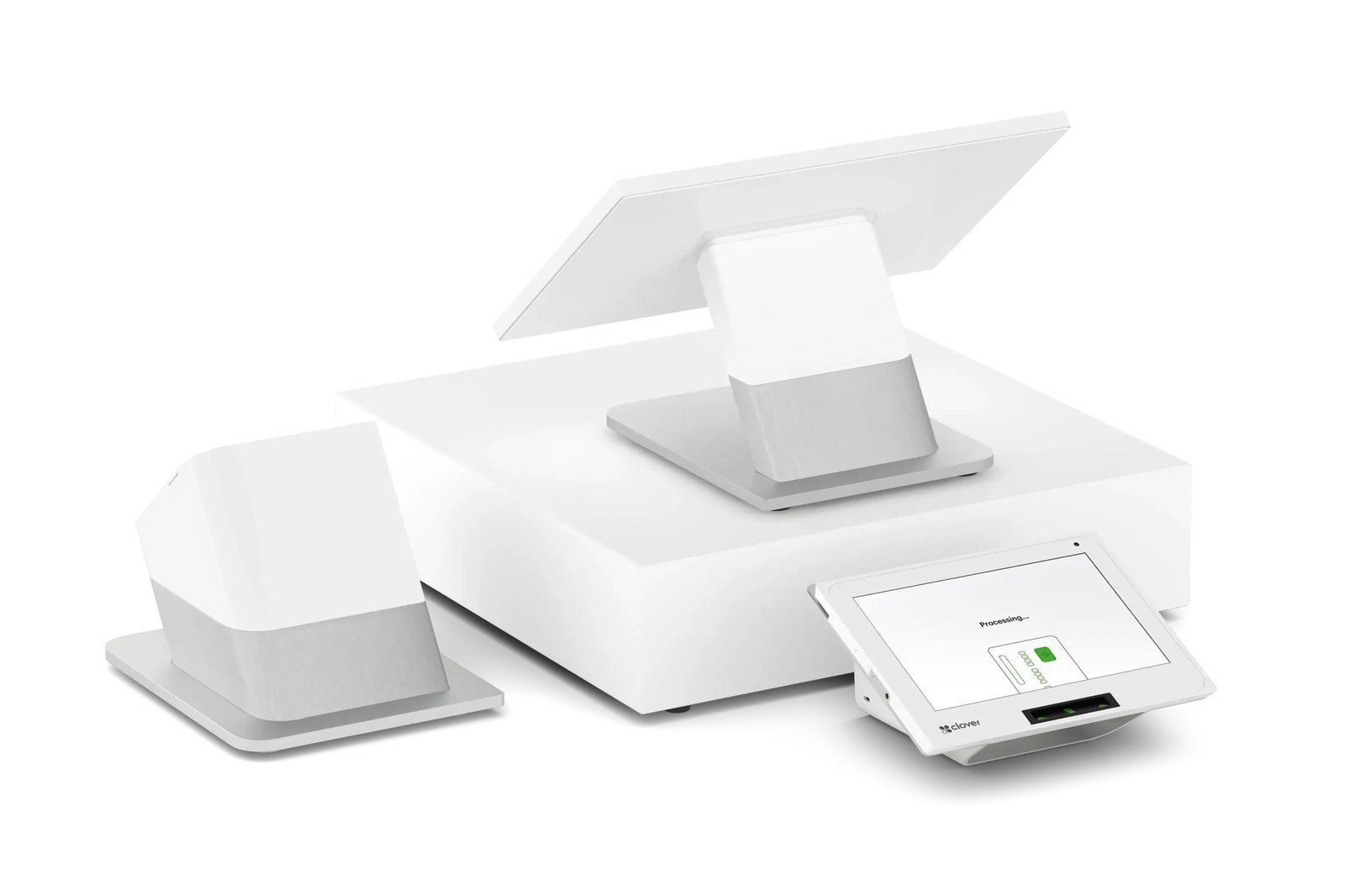
Clover is a full point-of-sale ecosystem owned by Fiserv — sleek hardware, a huge app market, and built-in tools for inventory, staff, and loyalty. It’s the go-to when you want a complete register, not just a card machine.
Clover is best for restaurants, retail, and service businesses that want a polished all-in-one with room to grow. Whatever you choose, I provide and set it up at $0 up front on a zero-cost processing program — with training and 24/7 US-based support.
Clover Station Duo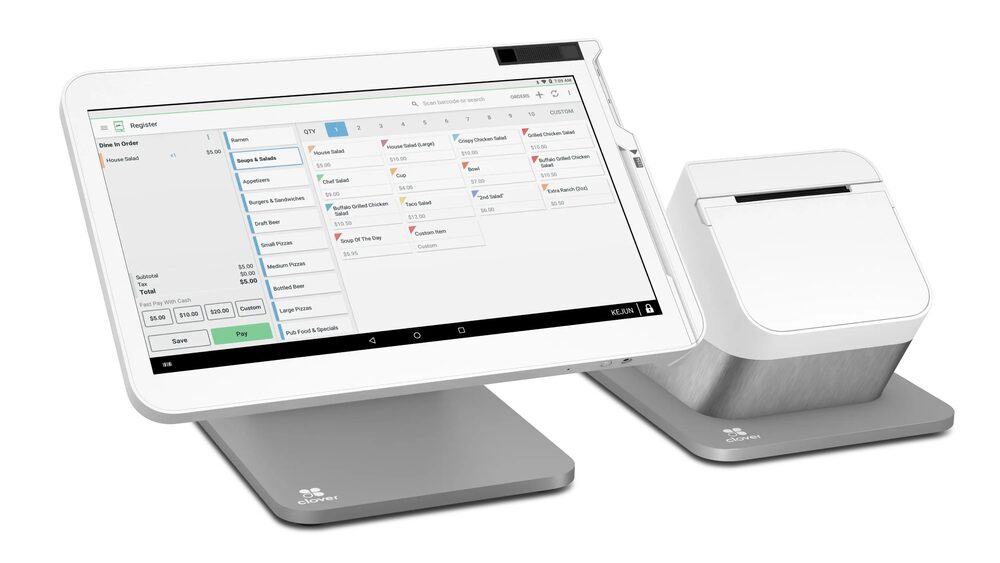 Clover Station Solo
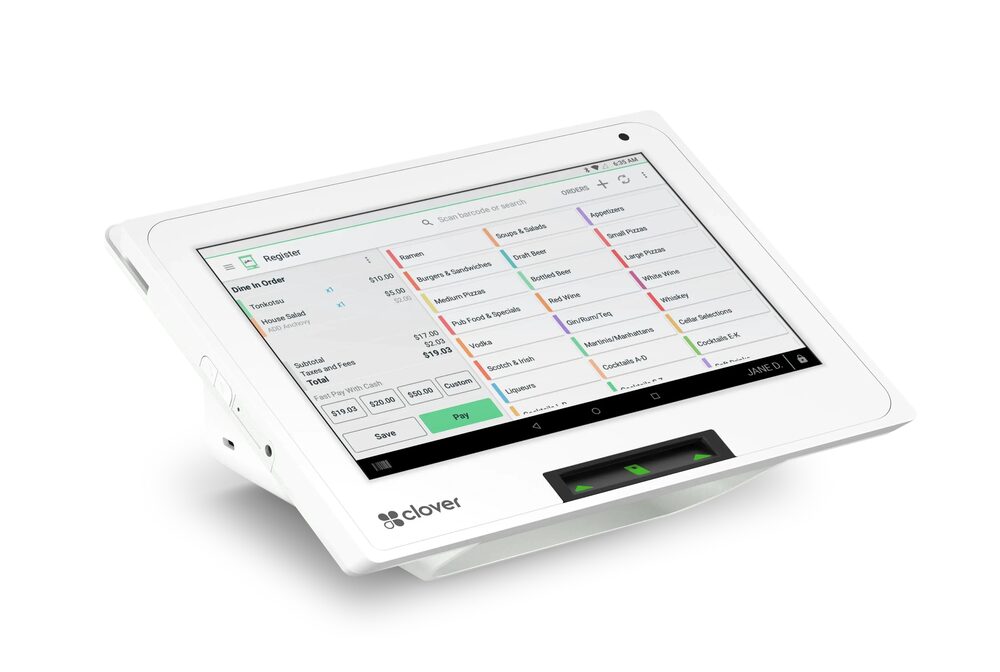 Clover Mini
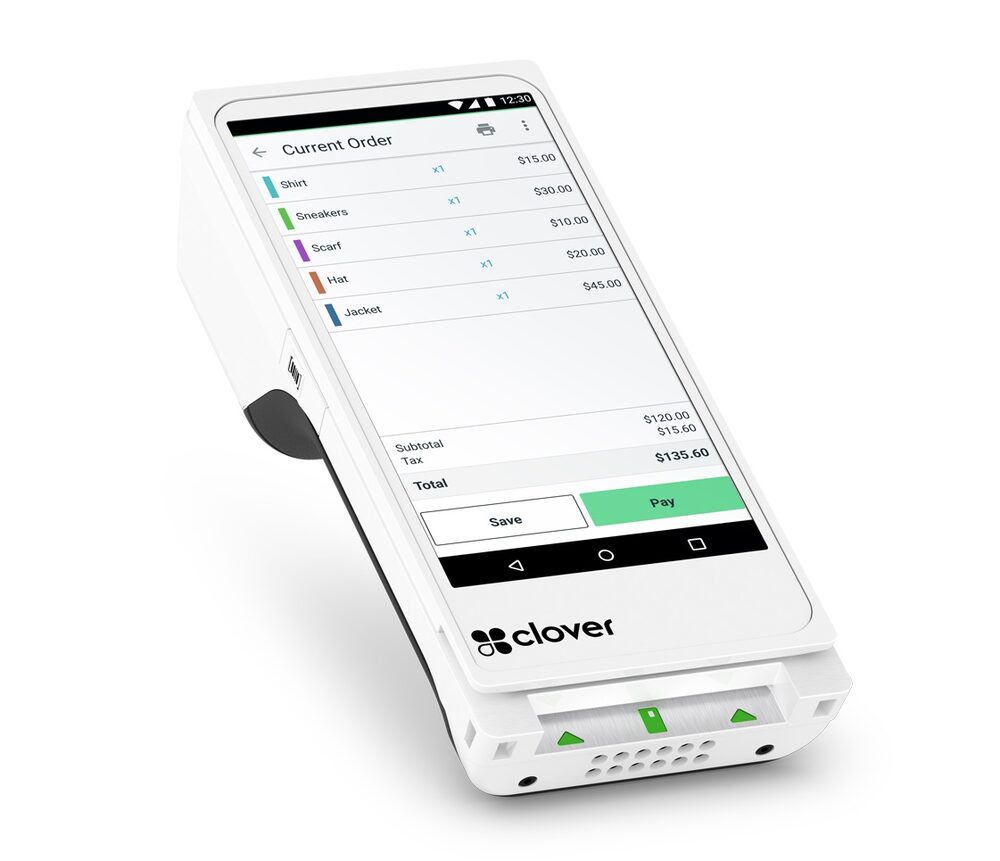 Clover Flex
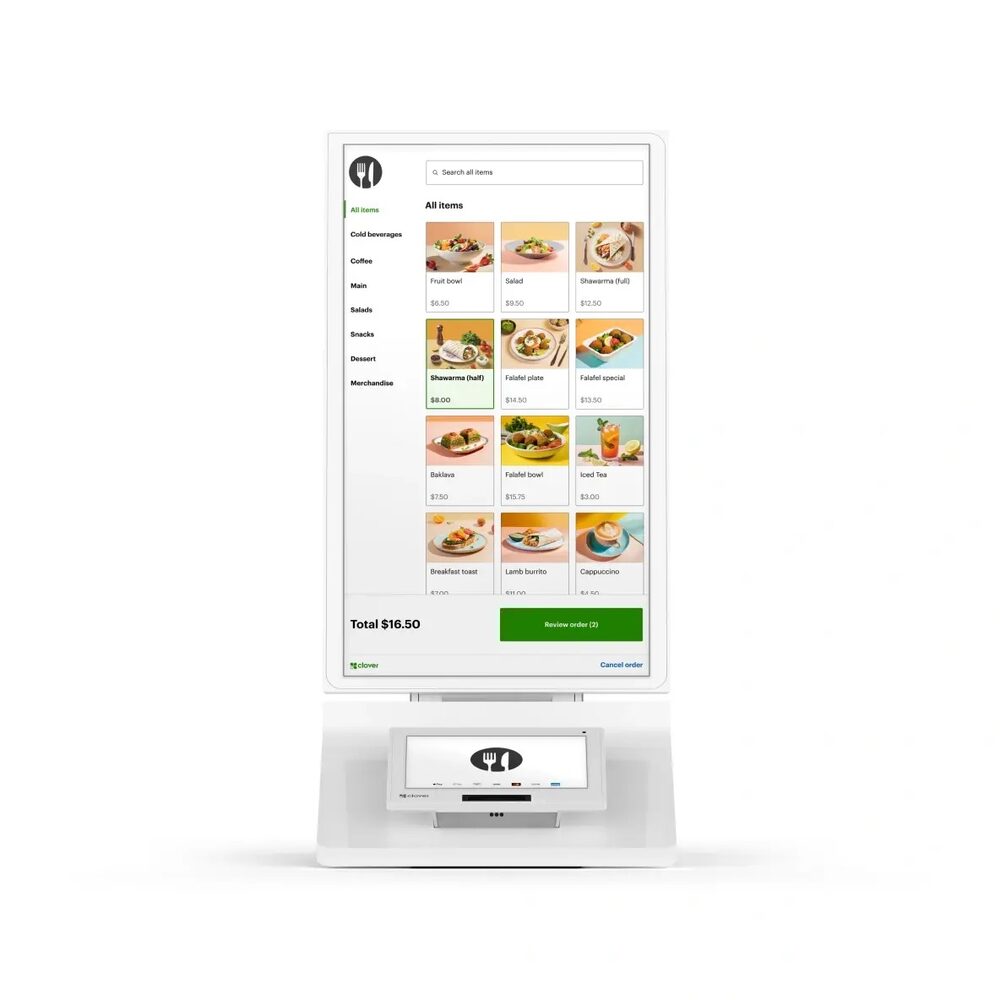 Clover Kiosk
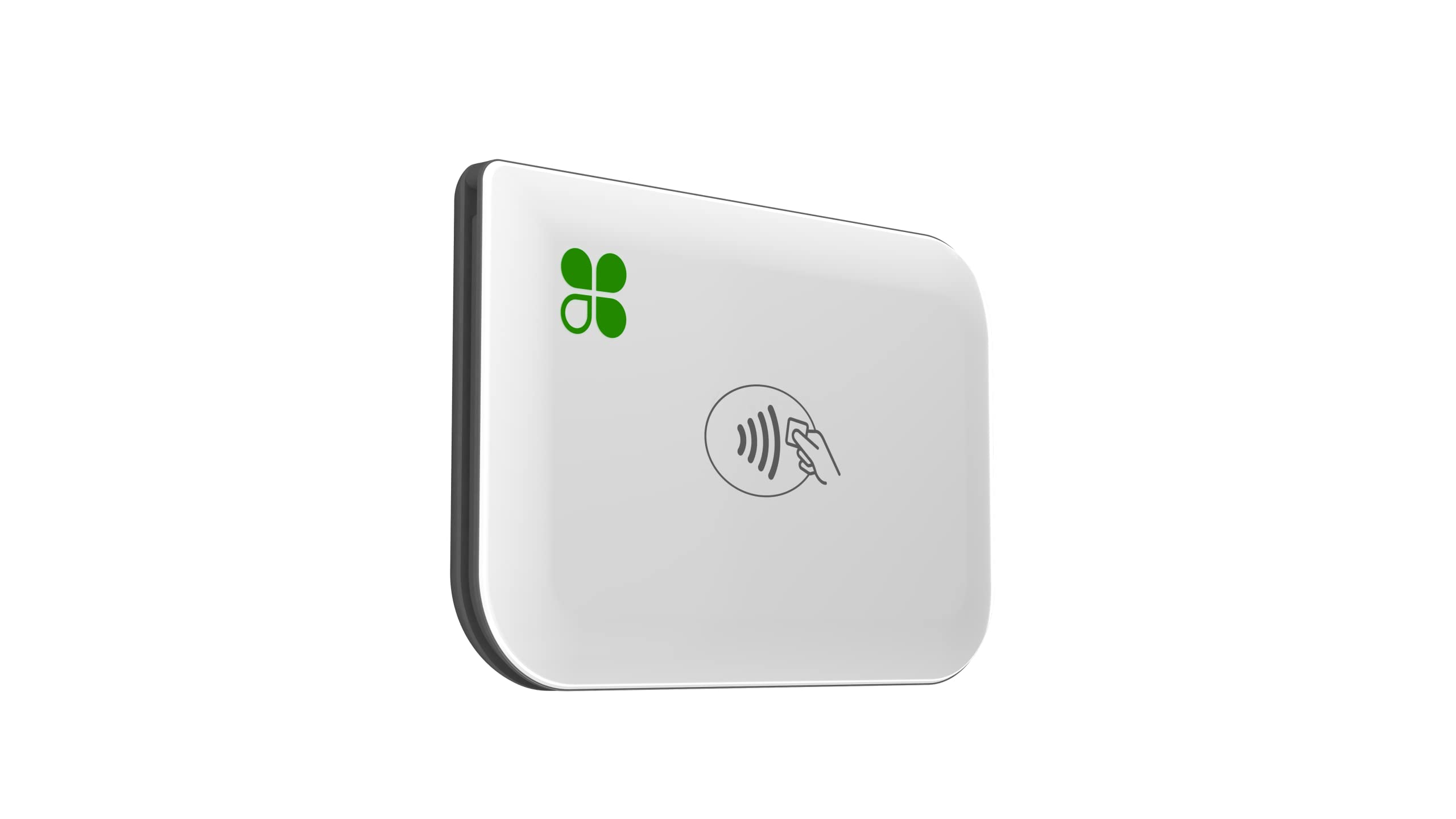 Clover Go
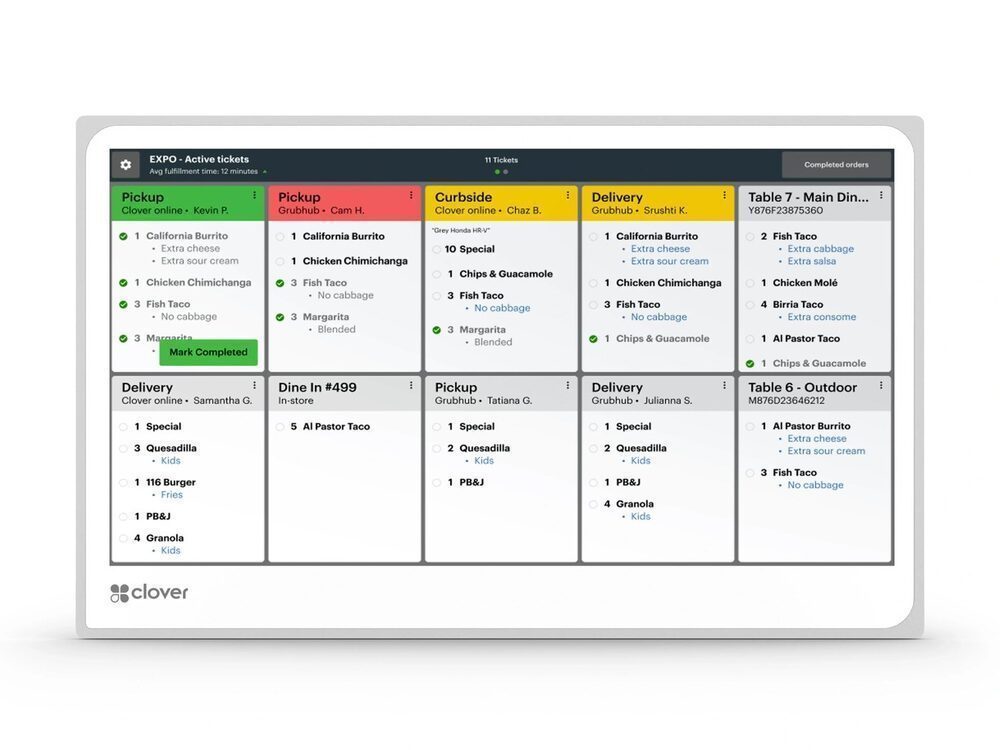 Clover KDS
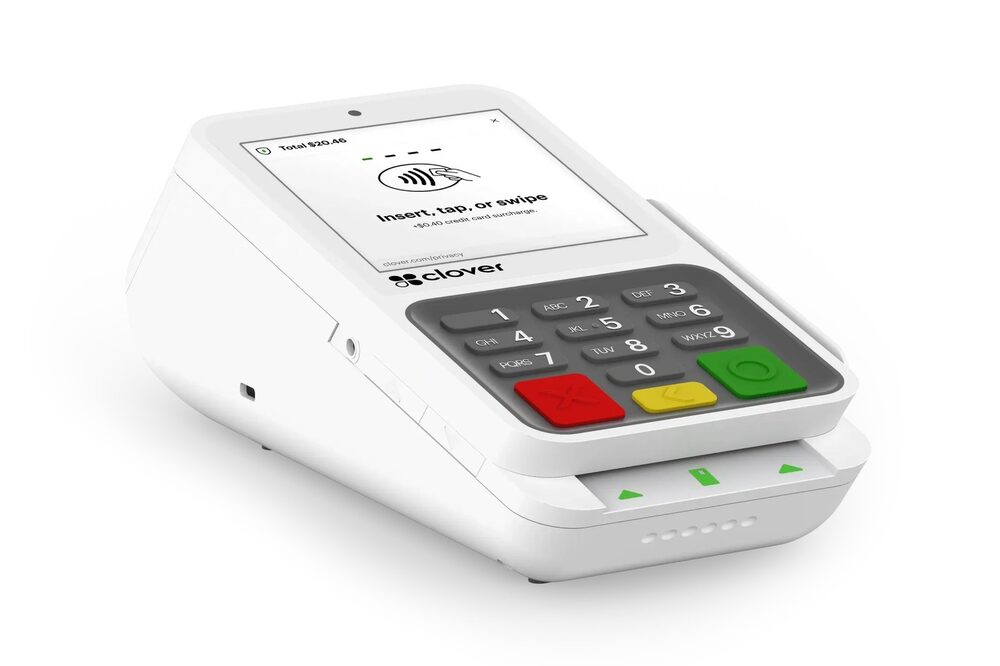 Clover Compact
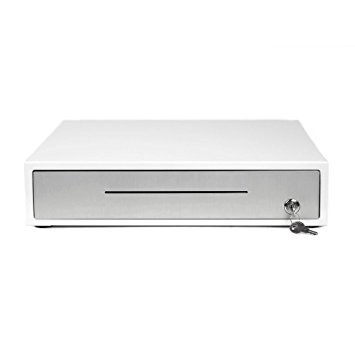 Clover Cash Drawer
Lowering what you pay to accept a card frees up money every month with no extra work and no new customers.
I set up your Clover hardware on a compliant dual-pricing or surcharge program, so your card fees stop eating your margin. The equipment carries simple monthly terms confirmed on your free review — and your processing savings can help cover it.
Tell me how you operate and I’ll point you to the exact setup — provided and configured at $0 up front on a zero-cost program. Book a free review or compare devices side by side.
Yes — Clover is the most popular all-in-one POS for everyday small businesses. I’ll match the exact model to how you operate.
There’s no up-front equipment cost to get started; the hardware carries simple monthly terms confirmed on your free review, and your processing savings can help cover it.
Yes — I set up Clover on a compliant dual-pricing or surcharge program as part of zero-cost processing.
I transfer your menu, items, and settings to your new Clover equipment for free, so nothing is lost in the switch.
Lowering what you pay to accept a card frees up money every month with no extra work and no new customers. The businesses that grow from there spend it on the three things that actually bring customers in: answering every call, a site that converts, and showing up on Google.
Free, no-obligation review — I’ll recommend the right equipment and show how your processing savings can cover it.
Prefer to talk now? Call or text (305) 215-6132