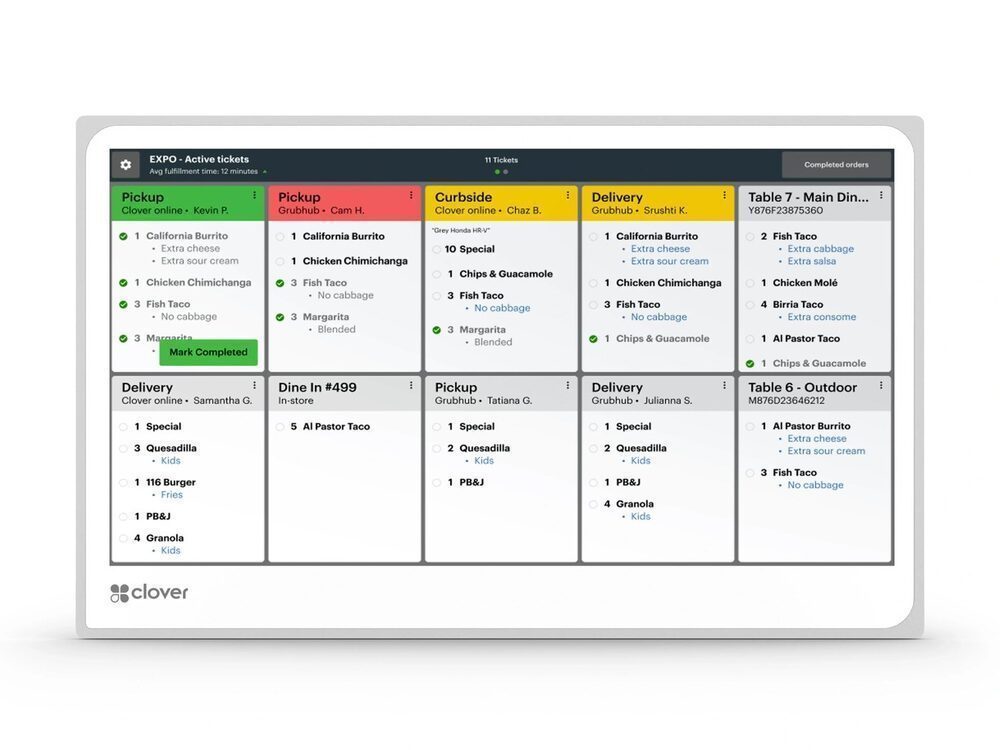
A KDS is a screen in the kitchen that shows orders the moment they’re placed — from the counter, handhelds, kiosks, and online ordering — color-coded and timed. It replaces the paper ticket printer and the chaos that comes with it.
Any kitchen running volume: full-service restaurants, quick-serve, cafes, ghost kitchens, and bars. If tickets get lost, orders come out in the wrong sequence, or online orders don’t reach the line cleanly, a KDS pays for itself fast.
Fewer errors (clear digital tickets, no handwriting), faster tickets (real-time timing and bump-bar workflow), and one connected queue so every channel hits the same screen. Expo and multi-station setups can route items where they belong.
Every dollar you stop paying to accept a card is a dollar back.
If you’re a low-volume counter with simple orders, probably not yet. If you run a real kitchen or take online orders, a KDS is one of the highest-impact upgrades you can make. It pairs with Clover and Square systems and routes orders from kiosks and handhelds too.
Tell me how you operate and I’ll point you to the exact setup — provided and configured at $0 up front on a zero-cost program. Book a free review or compare devices side by side.
A printer spits paper tickets; a KDS shows orders on a screen with timing and status, so nothing gets lost and the line stays in sync.
Yes — orders from the counter, kiosk, handheld, and online ordering all route into one queue.
No up-front equipment cost to start; simple monthly terms are confirmed on your free review.
Every dollar you stop paying to accept a card is a dollar back. The bigger number for most kitchens is the 15% to 30% a marketplace takes off the top of every delivery order -- and unlike interchange, that one you can remove entirely by owning the ordering.
Free, no-obligation review — I’ll recommend the right equipment and show how your processing savings can cover it.
Prefer to talk now? Call or text (305) 215-6132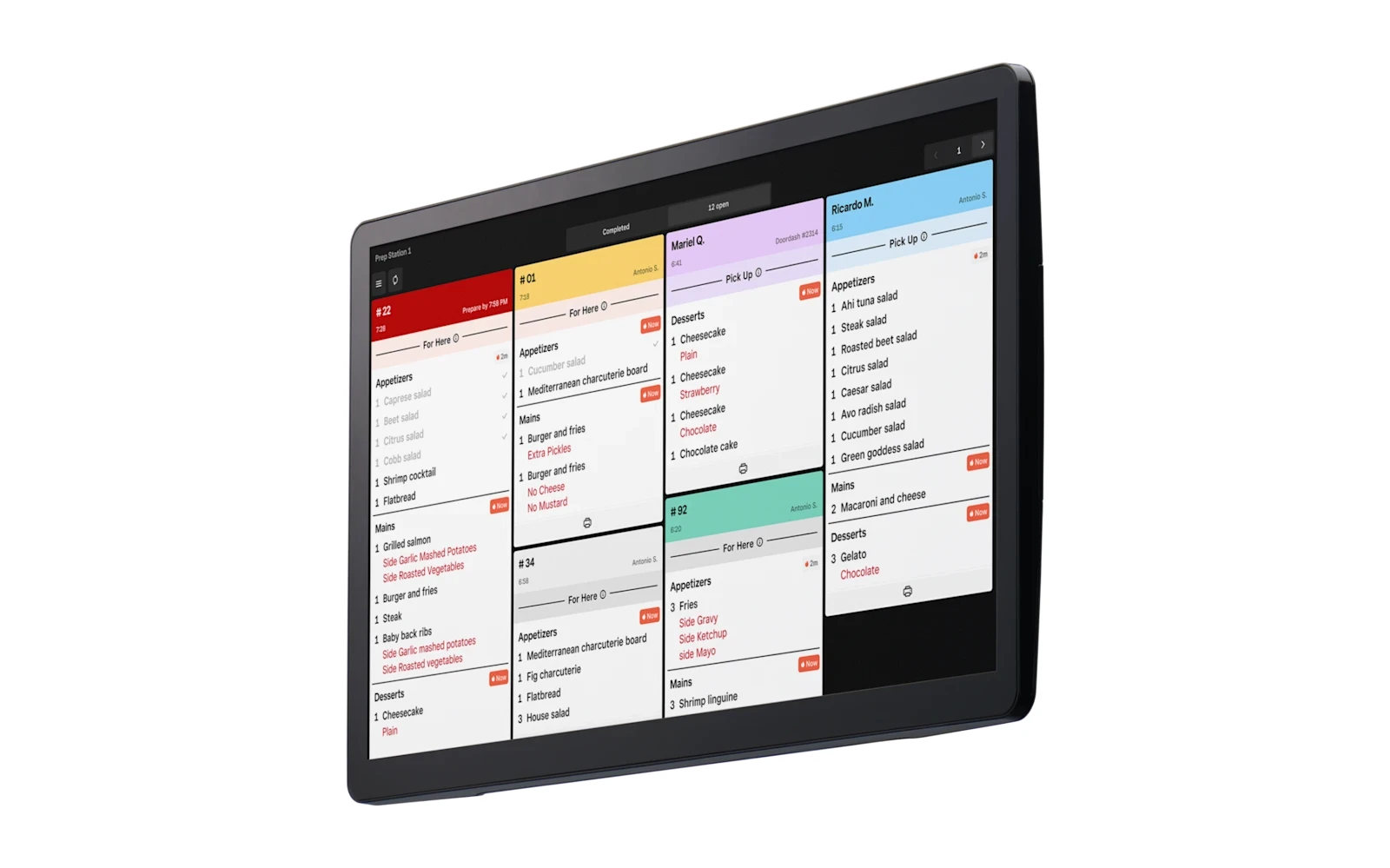 Square Kitchen Display System
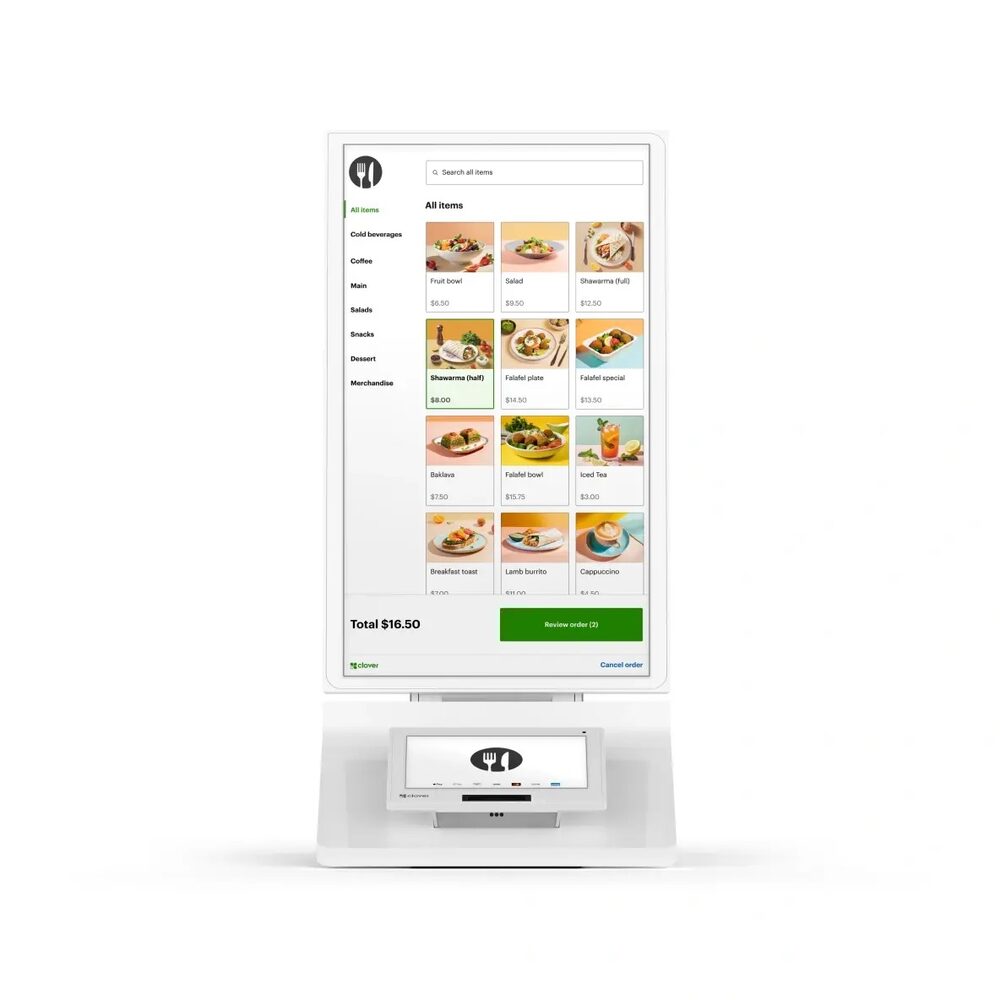 Clover Kiosk
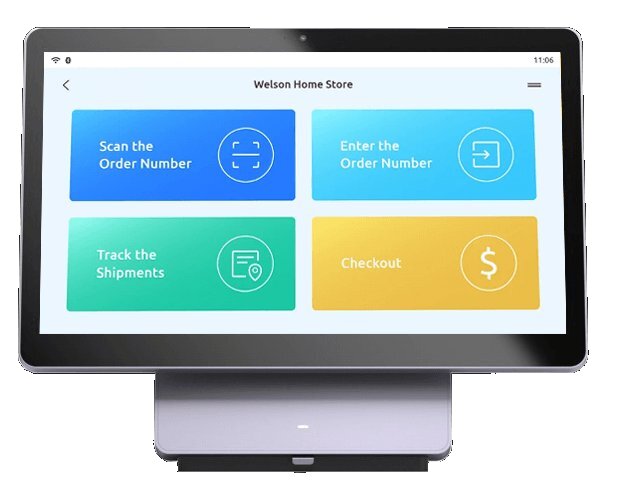 PAX Elys Station 14